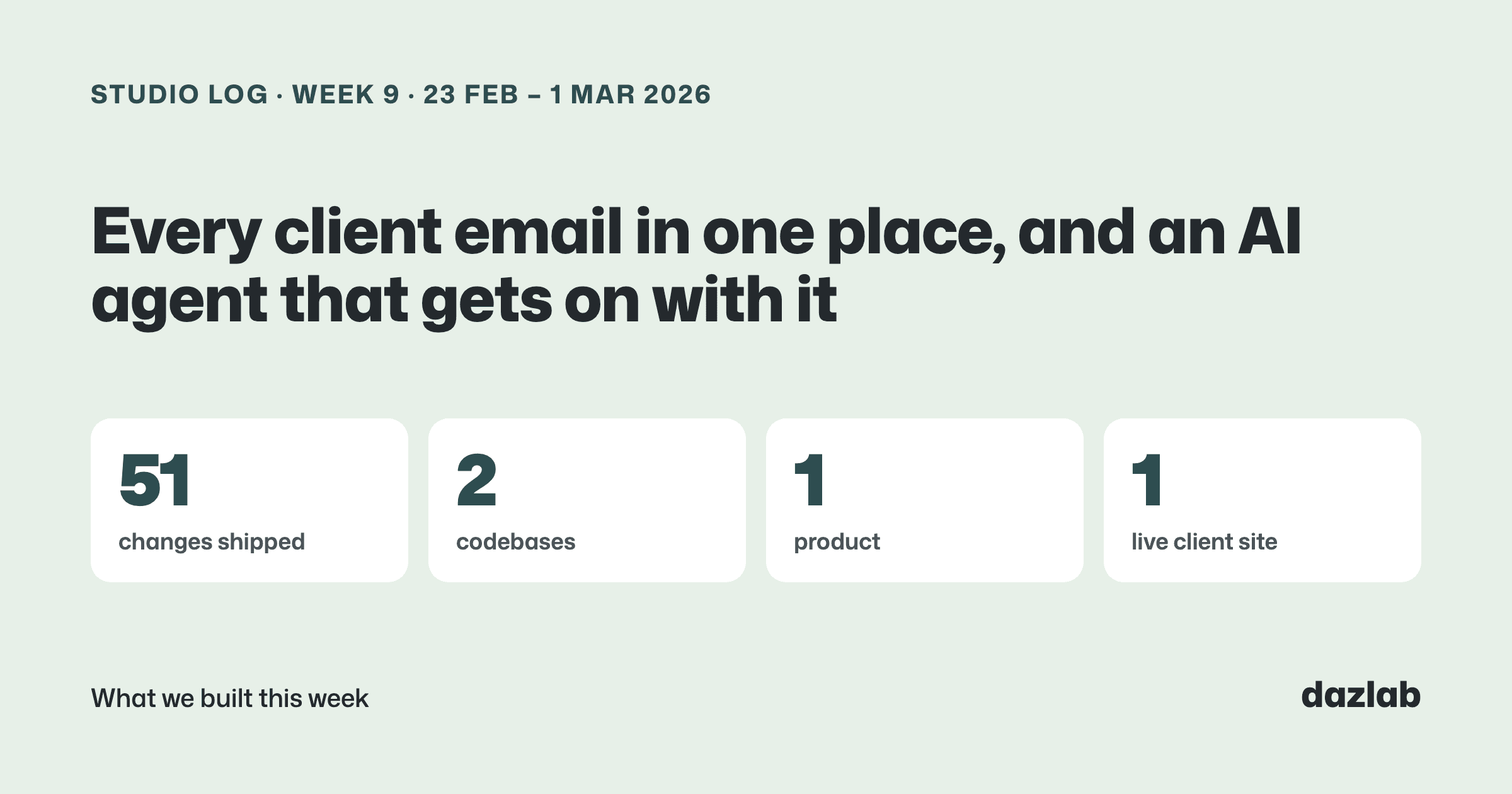
51 changes shipped across 2 codebases last week. Nearly all of it was Handl, wrapping up the relaunch month with one big piece: client emails.
Handl: every client email in one system
Think about how many emails an agency sends a client over a project. The invoice. The reminder. The "thanks, got your payment". The milestone update. The "we're halfway there" check-in that everyone means to send and nobody does.
Most of those get written by hand, from someone's inbox, whenever they remember. So the tone's all over the place and half of them never go out.
This week we shipped Handl's communications engine. Every email Handl sends to your clients now runs through one place.
Templates, sorted by what you're trying to do. When you set one up, Handl asks two questions: "What type of email do you need to send?" and "When should this email send?". There are three kinds:
- Invoice management: invoices, reminders and payment confirmations. Invoice due date plus seven days is an overdue reminder, for example.
- Milestone updates: a note when a milestone completes, or when it hits 25%, 50% or 75%, or when there are only a few tasks left.
- Client nurture: relationship emails, like a thank you when a payment lands, or a check-in at 25%, 50% and 75% through a project.
The editor has settings on the left and the email on the right, so you can see what you're changing as you change it.
AI-drafted suggestions. Stuck on the wording? Ask for a suggestion and Handl drafts the email for you, written for that specific situation rather than a fill-in-the-blanks template. You still edit it and you still decide whether it goes.
Per-project overrides. Every project now has a Communications tab. Change the subject, body, timing or send time for just that project, turn a template off for that client, or add extra people to copy in. There's a preview of the default next to your version, and a reset button if you want to go back.
It's wired into invoicing. Create an invoice from a milestone or an ad-hoc one, send it, get paid... the right emails get scheduled at each step. And when an invoice is paid, any reminders still waiting for it are cancelled. Nobody wants a "your invoice is overdue" email the day after they paid.
A history on every invoice. Each invoice has a Communications tab showing every email that's gone out for it, whether it was delivered, opened or clicked, and any replies, with a button to resend.
Your own sending address. Each agency gets its own address on handl.works for invoice emails, so clients see your agency's name on it rather than a generic one, and replies come back into Handl against the right invoice.
→ See how it works: invoice automation · client portal → Free: invoice aging and chase tracker → Start a Handl trial
Handl: the AI agent, round two
Last week we rebuilt the agent. This week we put it in front of people and made changes from what they told us.
- It gets on with it. Ask it to create a project and it creates it, then takes you straight there.
- It can update projects too: value, status, description and dates.
- Find things by name. It'll never ask you for a project ID. Just say the project name.
- Conversations stick around. Minimise the chat panel, or close it and come back, and your conversation is still there.
- It knows what's been happening. The agent can now read each project's activity (projects created and activated, milestones completed, invoices created, sent, viewed and paid), so you can ask what's changed on a project this week.
- A project value that keeps up. On fixed-price projects, the total value follows the milestones as you add, change or remove them.
The same activity feeds a new timeline on the project page, sitting under the active milestone.
→ See how it works: the Handl AI agent → Free: invoice aging and chase tracker → Start a Handl trial
One thing I learned
You can't vibe-check an AI agent.
With normal software, you click through a screen and you can see it works. An agent isn't like that. Ask the same question two slightly different ways and you can get two different answers. Change one line of its instructions to improve one thing and something unrelated shifts somewhere else.
So this week we built an automated test suite for Handl's agent. It asks a bank of real questions, the kind agency owners actually ask, against demo data, and checks the answers. It runs in batches, and we run it whenever we change the agent.
The score isn't the point. The point is knowing whether a change made it better or worse... before it ever reaches a customer. Watching it answer a few questions in a demo tells you almost nothing.
And pairing that with real people using it (which is where most of this week's agent changes came from) is the combo. The tests tell you if it's consistent. People tell you if it's useful.
See you next week.
— Daz
 Consulting Inquiries