256 pull requests merged across 8 codebases last week. Edge Lab has a new tool for ski tests, Handl went live 24 times, and a client redesign we've been working on since October went out on Friday.
Edge Lab: Test notes, for ski tests and demo days
If you've ever run a ski test, you know how the results arrive: clipboards, a damp stack of paper cards, and a week of typing before anyone knows which ski won.
Test notes replaces the clipboard. You paste in your ski list and print one QR label per ski for the rack. Testers scan the label on their phone, give the ski a quick 0 to 10 on your own categories (stability, edge grip, playfulness, whatever you're testing for), and add the why: a typed note, a voice note or a photo, whichever is quicker on the hill. You get charts per ski and a ranking across them the same night.
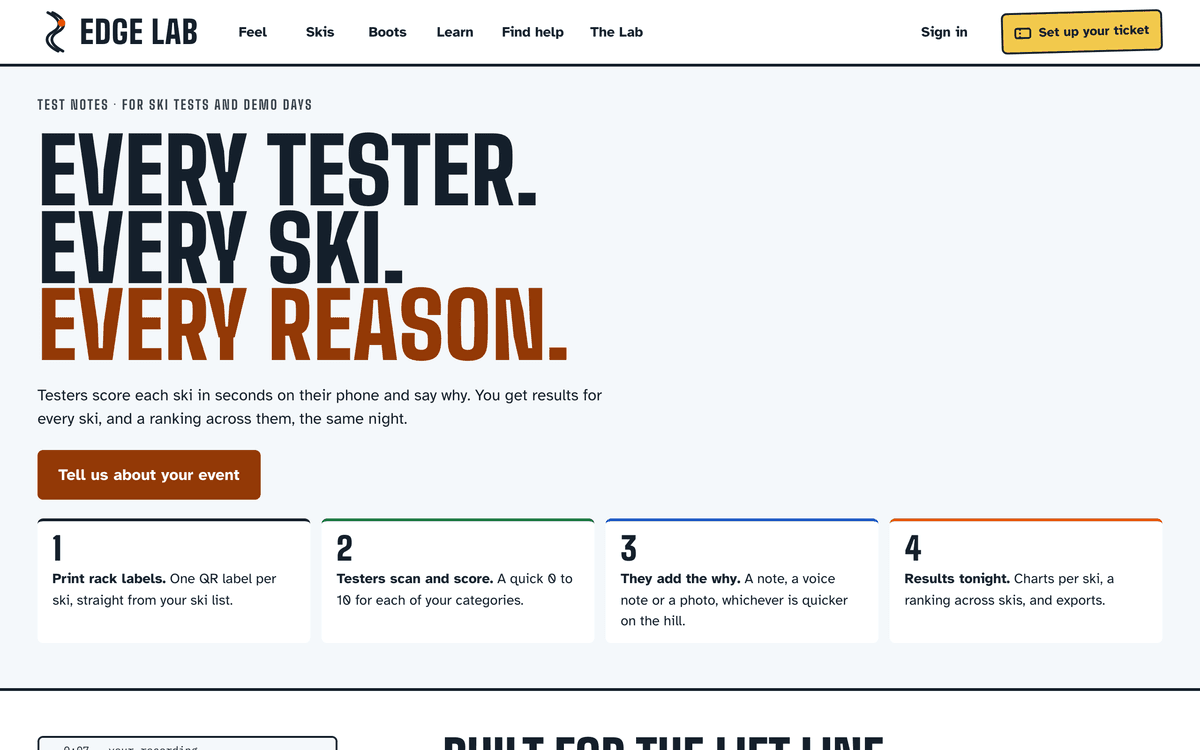
A few things we cared about:
- Nothing to install. Testers open their invite link once in the phone browser. An iOS and Android app is coming for people who'd rather have one, feeding the same results
- No signal, no problem. Notes save on the phone and send when the signal comes back, so nothing gets lost on the chair
- Only finished notes count. Testers save as they go and approve when they're done, so half-written notes don't skew a result
- Brands can add their own unreleased skis, with a photo that stays private, and see their results once the test is done. Tester quotes only go to a brand if the tester says yes
- It's your data. Export CSV or Excel, plus a zip of the voice notes and photos
If you organise a test or a demo day, there's a two-minute form on the page and I read every one.
Also on Edge Lab this week:
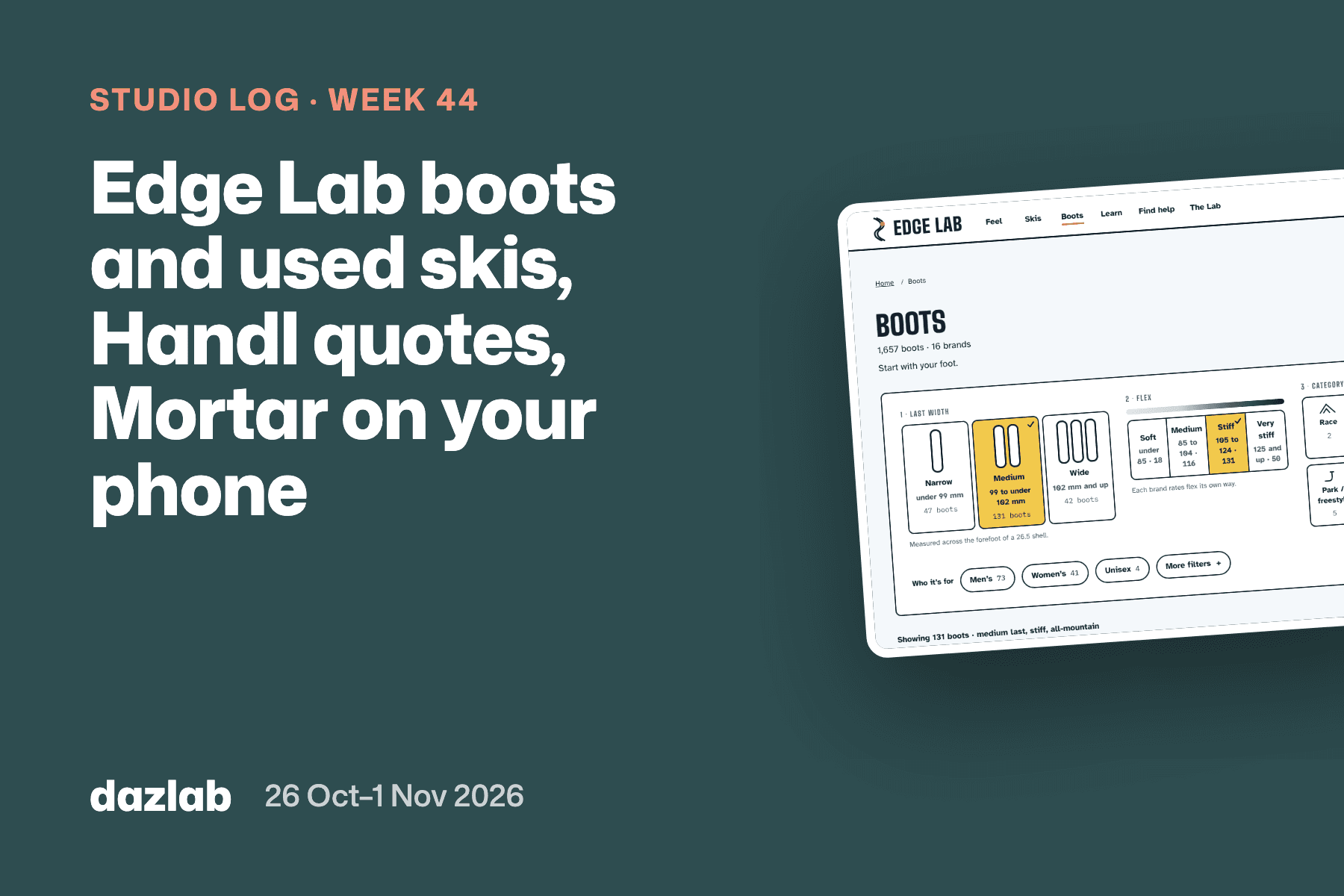
- Every flex of a boot now has its own page. The catalogue added 157 boot pages, and the boot finder is now visual: bars for last width, a flex scale and category tiles
- Skis is one search that answers in under a second. Ask a question and it sets the filters, with Men's, Women's and Juniors up front. 2,338 more ski pages went up
- Five new Learn articles: how to carve, what ski width do I need?, what is boot canting?, what is ski detuning? and how long do skis last?
- Easier to read in glare. Bigger minimum text and stronger contrast, because a lot of people read Edge Lab on the hill
- Ask Edge Lab has a phone layout, and its ski picker now searches the whole catalogue
- Women's and more all-mountain best-for pages, so more of the "best ski for…" questions people actually ask have a page
→ Test notes · find a boot · search skis · Learn
Handl: your whole team in one place, and pay when you're ready
Handl went live 24 times last week. Most of it builds on the contractor payments we launched two weeks ago, and turns it into somewhere to look after everyone who works on your projects.
Team & rates is its own page in the sidebar: one list of everyone, filterable, showing who's set up to be paid, who has a contract and where their time comes from. Click a person and a drawer opens with their overview, rates, pay, contract and time. When someone moves on, deactivate them with a last day and Handl keeps their history and contracts.
Contracts. Build contract templates, send a contract for signature, the contractor signs in the Pay portal, and you countersign. Already have signed contracts? Import them, and each person's contracts sit on their page.
Pay when you're ready. Pay any submitted statement whenever you like, in full or in part, instead of waiting for a pay run to roll around. A contractor can start a statement even when nothing was logged, and owners hear straight away if a statement has been paid more than it was for.
A better Pay portal for contractors. A setup checklist with steps that match their country, a redesigned statement with a payment tracker, a History page with received amounts, year totals and a remittance PDF, and business and tax details that use the right tax ID name for their country. If you're on Handl yourself, one login now works for the Pay portal too.
Also shipped:
- Billing contact per project, stamped on the invoice when it's sent, and the project name under Bill To on the invoice, PDF, email and portal
- Timing is now an integration, and Hubstaff syncs whole days in your organisation's time zone
- Two time trackers on one project. Every linked tool's hours count, and likely duplicate entries are flagged for you to review before a time-and-materials invoice goes out
- Two project tools on one project. A milestone can link to a board in each, progress adds up across both, and the client portal shows tasks from each at its own sharing level
- Deleted projects keep their records. Deleting a project takes it out of your way, but its time, invoices and billing history stay
- The Approved chip on a project's Invoices tab, and the Payments page shows each Stripe payout's status
- Wise payouts come from the balance in the contractor's currency when you have one, otherwise your home balance
→ Pay your team · integrations · invoice automation → Free: contractor pay terms template → Start a Handl trial
Mortar: three honest comparisons
The Mortar app didn't have a release last week. The next one is lined up and will be here when it goes live.
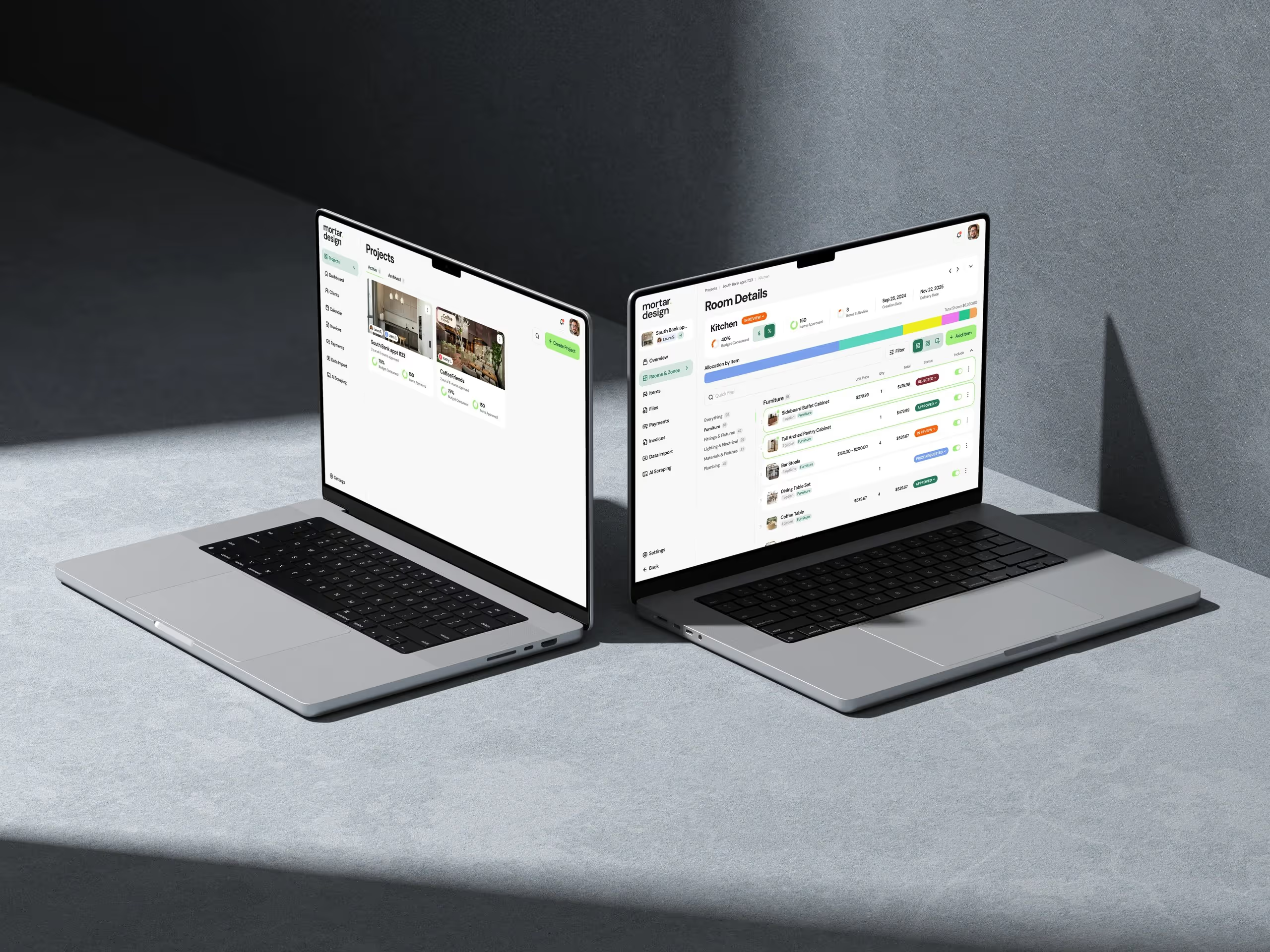
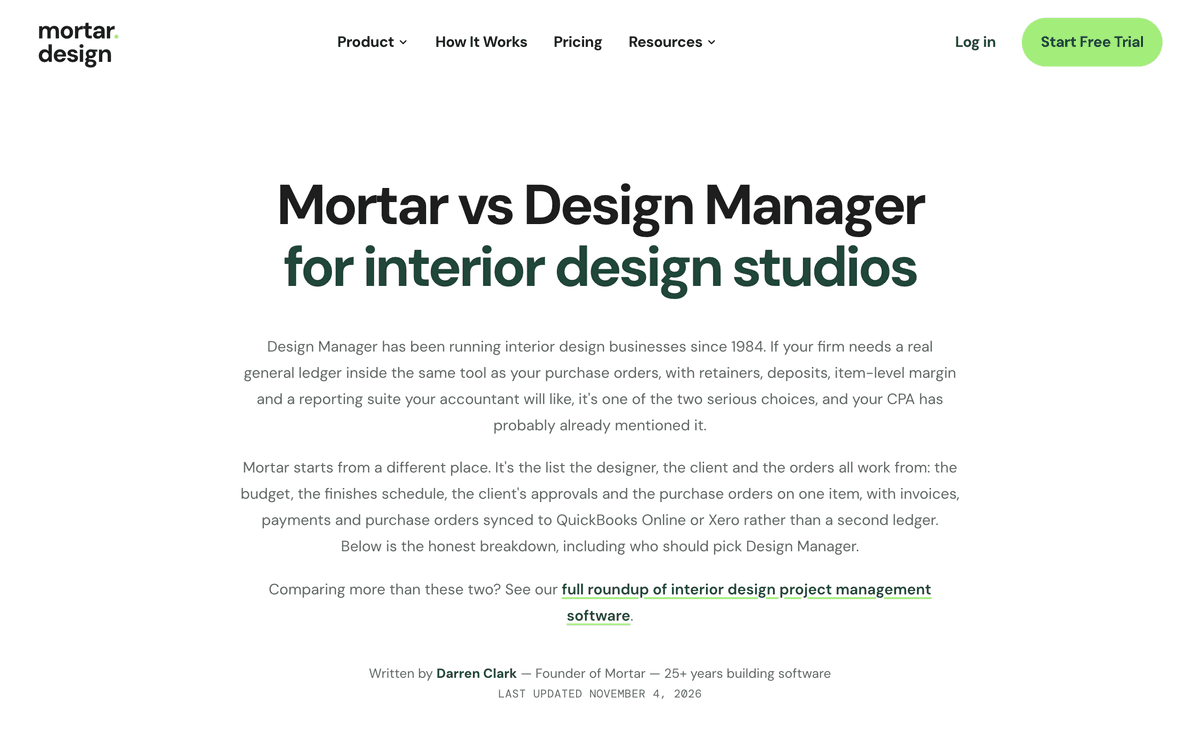
On mortar.design, three new comparison pages for designers weighing up their options: Mortar vs Design Manager, Mortar vs Gather and Design Manager alternatives. Each one says who should pick the other tool. If your firm wants a full general ledger inside the project tool, Design Manager is a serious choice, and the page says so. If you want the budget, the selections, the client's decisions and the orders on one list, with your accounting left in QuickBooks or Xero, that's Mortar.
The homepage also had a second round of changes from our designer interviews, with new carousel panels, and the Xero and QuickBooks Online sync is now described across the site.
→ Compare Mortar · procurement · budget tracking → Free: interior design budget template → Try Mortar free for 7 days
Client work: Real Estate Jobs Australia, redesigned
The work I said was in review last week went live on Friday. Real Estate Jobs Australia has a new design across the whole product, for agencies hiring and for the people applying.
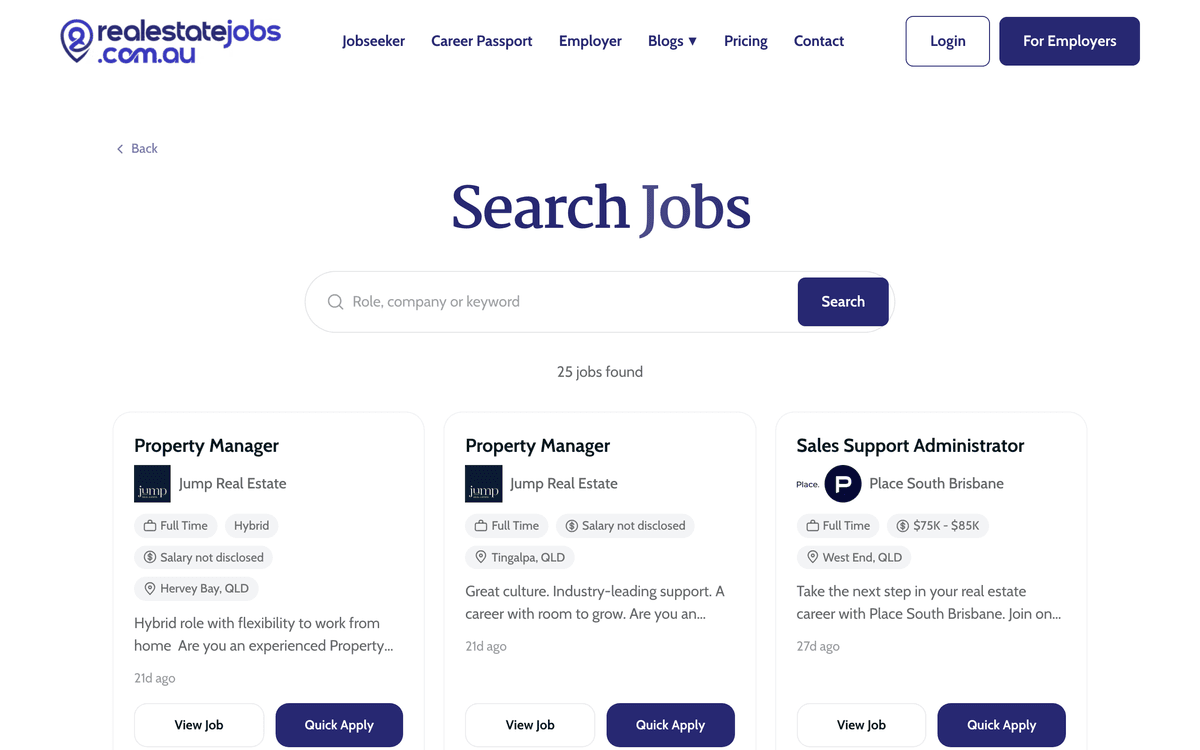
For agencies: a new dashboard, jobs list and candidate management, with stage tabs you can drag a candidate onto and a one-tap button to move them to the next stage. Creating a job is now a step-by-step wizard, where the Jobs Assistant drafts the ad from the details the agency gives it and nothing else. Video interviews can be sent straight from Shortlisted, automatically or in bulk, with an example clip that shows exactly what the candidate will receive. Agencies can also select several applicants and message them at once.
For job seekers: a new dashboard, jobs list, job pages and application tracker. The Career Passport keeps track of real estate licences, now including the Queensland Auctioneer Licence. Upload a licence and it reads every class on the certificate, CPD entries say whether they count towards the current cycle, and documents can be renamed and labelled.
It's the biggest single release on the site since launch in July, and it was tested with the team who run it before it went out.
If you need something like this built for your industry, this is what we do.
Marketing, behind the scenes
All of last week's new marketing pages are linked in the sections above: three Mortar comparisons, the Test notes page, five Learn articles, and 2,495 new ski and boot pages on Edge Lab.
One thing I learned
Don't copy the shape of the tool you're replacing.
When we built contractor payments into Handl, we gave it pay runs, because that's what payroll tools have. Pay day comes around, you approve the run, everyone gets paid. It looked right, and it was the shape everyone already knew.
But contractors aren't on payroll. They invoice when a piece of work is done, some weekly, some monthly, some whenever they remember. Two weeks in, the run was the thing people were working around: waiting for it, or wanting to pay one person early. So we took it out. Now a submitted statement can be paid when you're ready, in full or in part, and a person still chooses every payment.
The incumbent's shape is a good first guess. It's a bad thing to defend once you've watched people use what you built.
See you next week.
— Daz
 Consulting Inquiries