203 pull requests merged across 6 codebases last week. Edge Lab answers the question people actually type, Mortar's release from last week went live, and most of Handl's week went into something you can't see yet. More on that at the end.
Edge Lab: is this ski right for me?
Most people don't start with "show me every ski". They've seen one, in a shop, on a mate's car or on a used listing, and they want to know if it suits them.
Is this ski right for me? answers exactly that. Pick the ski from 7,460 models across 57 brands, add your height, weight and level, and tick the snow you normally ski: groomed, ice, spring slush, chop or powder, as many as apply. The model answers Ready, Close or Not yet, with the reasons and the length to buy. Every ski page now links to it.
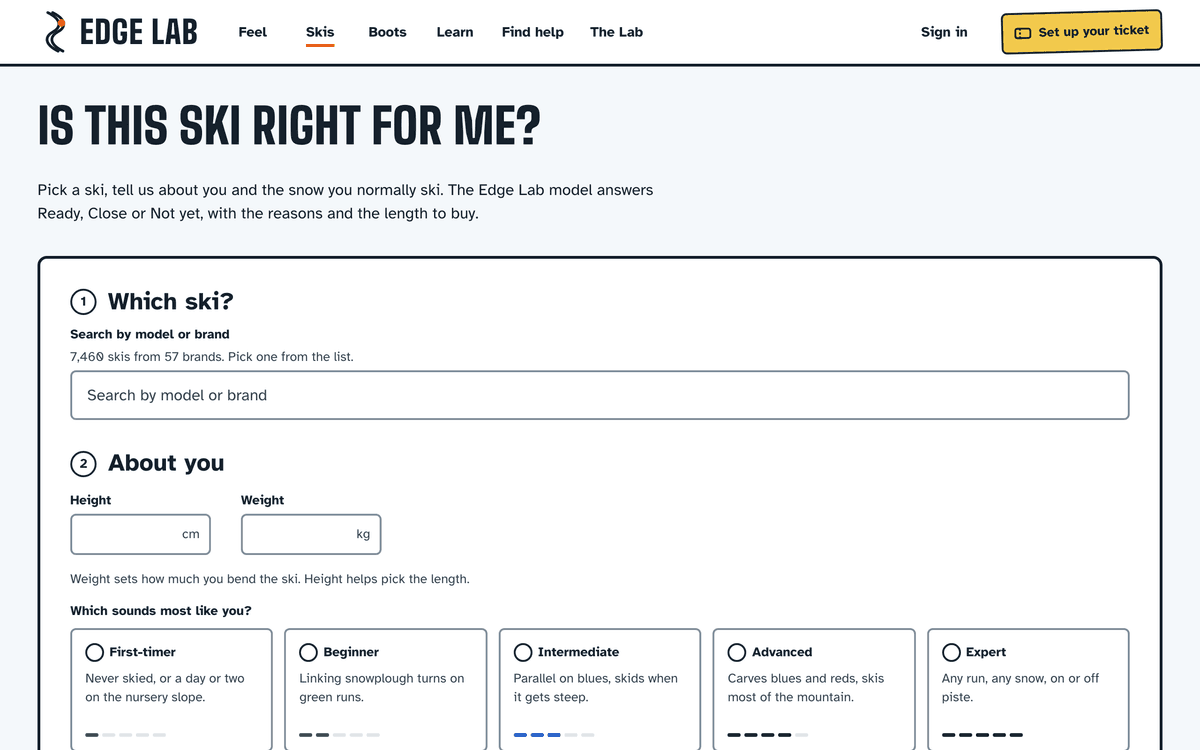
You can save the answer as an image and send it to whoever you're skiing with. Feel pages have the same Save as image button, using your own setup.
Test notes for demo days. Last week's Test notes was for organised ski tests with invited testers. Demo days are different: people walk up, hand over ID, take a ski and bring it back. So testers check in at the desk, a scan sends the ski out, and when they bring it back their phone asks for a quick 0 to 10 and a voice note while it's still fresh. Testers sign the consent form on their phone before they take skis, and choose whether the shop can contact them. That night you get results per ski and an opt-in follow-up list of who loved what, ready to export.
Also on Edge Lab:
- The ski finder takes more than one answer to "where do you ski?", adds off-piste and freeride, and now weighs each ski's personality, from what reviewers say about it
- Five new Learn articles: how to ski ice, how to ski powder, ski waist width explained, boot flex 120 vs 130 and where to mount ski bindings
- A ski instructors directory is up, ready for the first instructors to be listed. Verified instructors come first, and paying for a plan never changes the order
- Compare answers faster and fits its panel better, and a shared comparison link previews with that pair's own picture
- The header stays put while you scroll, and the picture and name on every ski card open the ski
→ Is this ski right for me? · Test notes for demo days · find a boot · Learn
Mortar: the release that was lined up
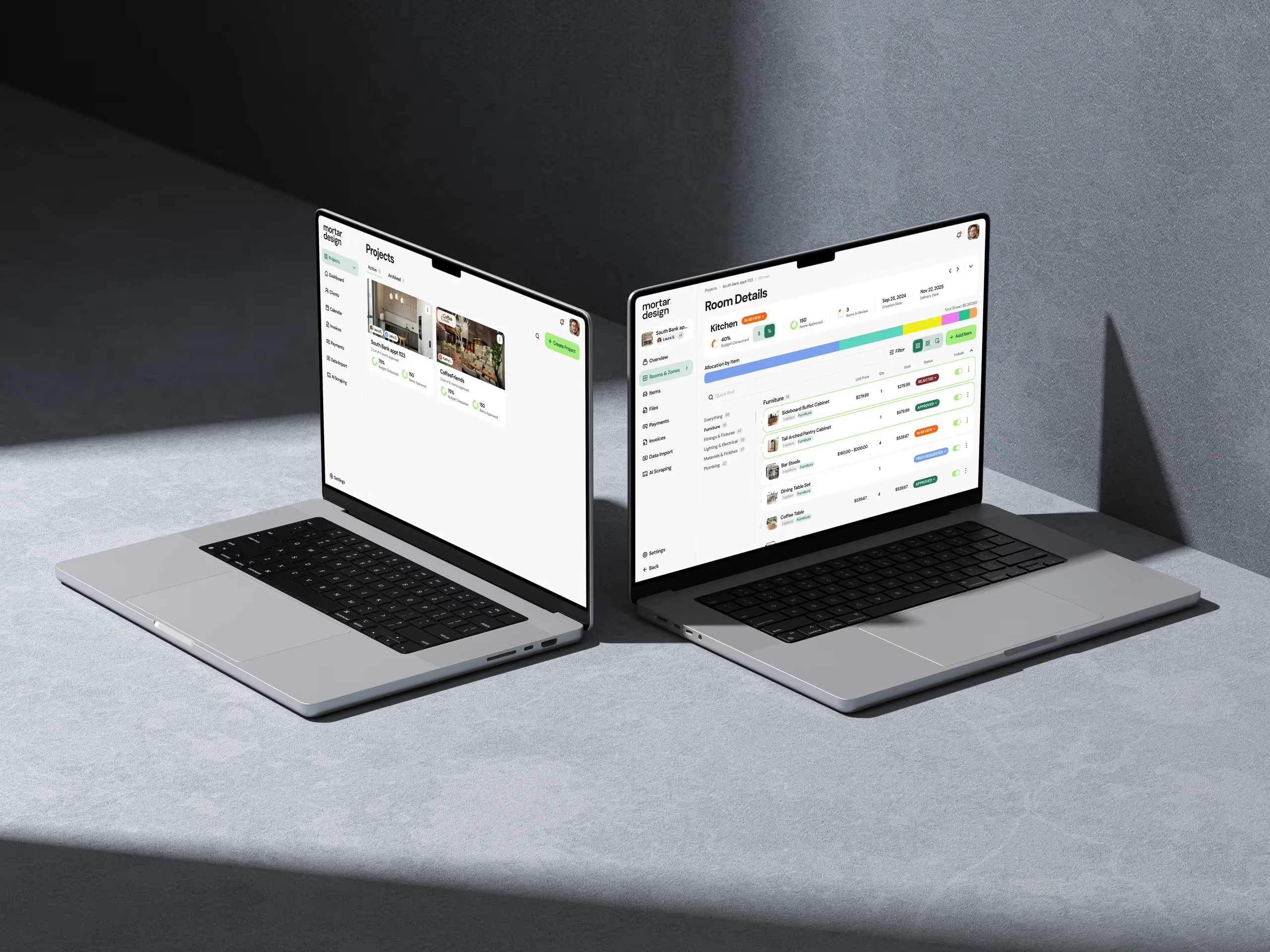
The release I mentioned last week went live on 10 November. It's mostly small things, and that's why designers will feel it.
Mood boards on your phone. Below tablet width, the board editor gives the canvas the full screen and the palette slides up as a sheet, so you can place products from a phone on site.
Fewer clicks to get where you meant to go:
- Clicking an item on the Items page opens that item, not just its room
- Notifications take you to the item or file, even when you're already on that room
- "Add to invoice…" confirms with a link to the invoice
- Preview as client opens the read-only portal, exactly as the client sees it
Setting up is quicker too. Create Project offers to save the client you typed as a Client, so you don't type them twice. Owners and admins can edit project details in place in Project Settings. Publish your free portfolio page and Mortar shows you its link and whether it's live.
Data Import can now take a sheet that's all on hold, and when you re-import a sheet it shows only the rows that need an answer from you. Items waiting for a room sit in a holding strip rather than looking like a room.
Also: automatic product cut-outs remember when you've turned one down and let you re-cut by hand, the client portal greets each contact by name, and page header buttons sit neatly on phones.
→ Mood boards · data import · client portal → Free: finishes schedule template → Try Mortar free for 7 days
Handl: how much do you need to cover?
Handl went live 35 times last week.
The dashboard's cash flow card was rebuilt around one question: how much do you need to cover in the weeks ahead? It shows the money coming in and going out week by week. Hover a week to see what's in it, and mark a payment as paid straight from the card.
Retainers you can bill early. "Invoice now" bills a flat retainer's next cycle ahead of time, including one that hasn't billed its first cycle yet, and a retainer's billing day decides only when the invoice goes out, never which period it covers.
Also shipped:
- Invoice dates count from the day you send it, so a draft that sat for a week isn't already due on arrival. You can still override them
- The invoice activity panel shows each event's date and time
- Team activity has a By person / By task toggle
- Pay days of the 29th, 30th or 31st work, paying on the last day in shorter months
- A person's cost rate comes from Team & rates, and the cost total tells you how many milestones aren't costed yet
- Clockify entries land on your local day, and a not-billable mark you set in Handl stays put through the next time-tracker sync
→ Cash flow · retainer billing · pay your team → Free: cash flow forecast template → Start a Handl trial
Client work
Real Estate Jobs Australia, a week after its redesign: every job now has a share card and a short link, so a job looks right when it's shared on social media, with the salary on the card when the agency gives one. The team can also see which promo code each job ad was paid with, so they can tell which campaign brought an agency in.
If you need something like this built for your industry, this is what we do.
Marketing, behind the scenes
- handl.works has a Help Center.
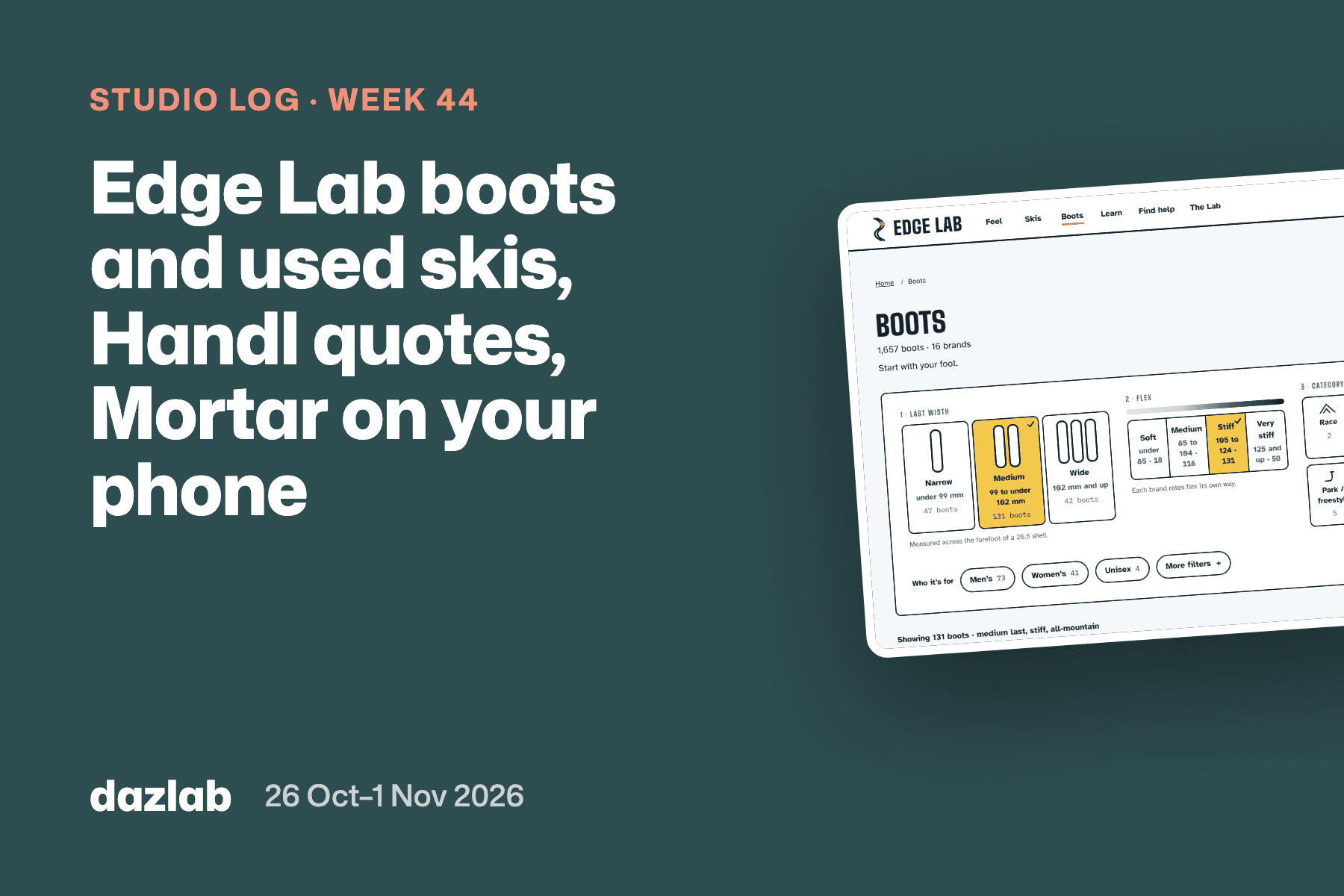
- Edge Lab: five Learn articles and the Is this ski right for me?, demo days and instructors pages (all linked above), plus 15 new boot pages and a new best-for page for heavier beginners on hard snow.
- talicms.com and dazlab.digital both load faster: analytics scripts wait until the page has loaded, and the first images are fetched sooner.
One thing I learned
Ship it to production before anyone can see it.
Most of Handl's 35 releases last week went into a full Cash Flow page: a week-by-week grid of everything coming in and going out, what-if scenarios you can save and compare, and an assistant that can tell you what changed since last Monday. All of it is on production, running against real data, and no customer can see it, because its menu item isn't switched on yet.
That's deliberate. A forecast is only useful if it's right, and the only way to know it's right is to run it on real accounts for a while, not on our test data. So it went out dark: every piece shipped as soon as it was ready, small enough to check, and the Monday cash email that comes with it is off by default for everyone when it does arrive.
The switch is one small change. When we flip it, it'll be here.
See you next week.
— Daz
 Consulting Inquiries