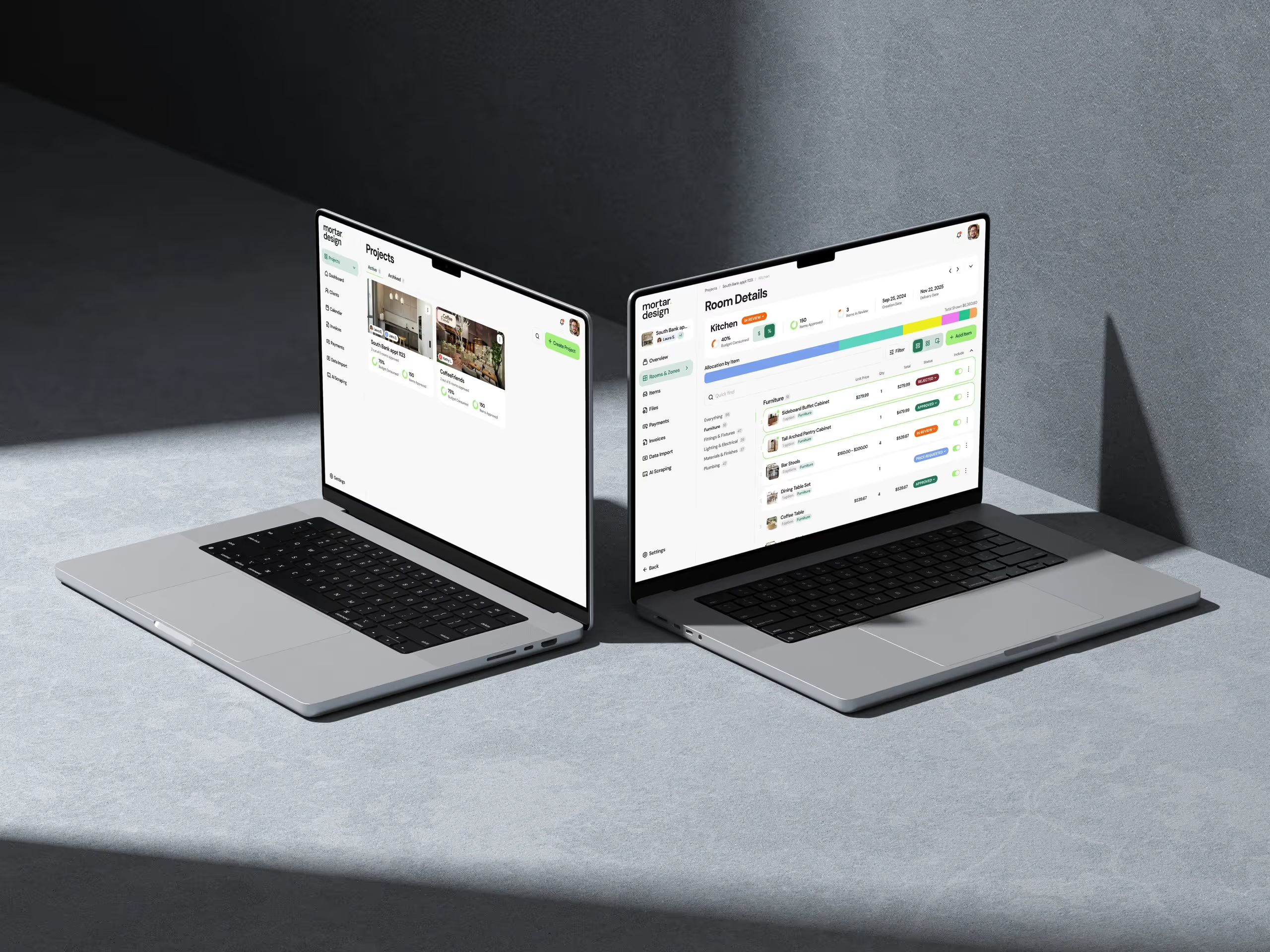
130 pull requests merged across 5 codebases last week. Fewer than usual, because two of them were big ones: the Cash Flow page I said was coming is now in Handl's menu, and Mortar shipped time tracking.
Handl: Cash Flow, in the menu
Last week I wrote that Handl's Cash Flow page was running on production with its menu item switched off. On 16 November we switched it on.
Cash Flow is for agency owners: a week-by-week view of what's coming in and going out of your business, from your bank balance today out as far as a year or two ahead. Money in is your confirmed work: invoices you've sent, billing plans and retainers, and time-and-materials work paced from the hours you're logging. Money out is your team's pay, your costs and your tax. Overdue invoices show in red, still in the week you expect them.
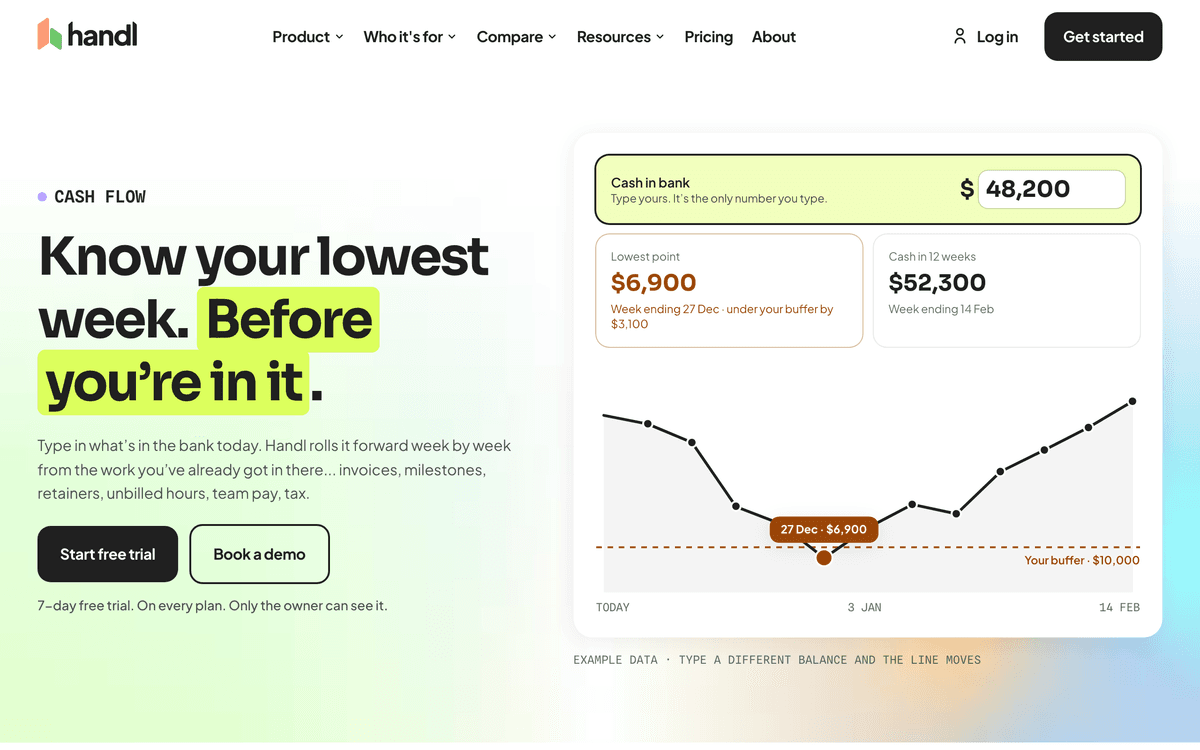
The part I care about most is future work. Add the jobs you're quoting or expecting, with fixed, retainer or hourly billing, and they show on the grid grouped by client, in purple so you can tell an estimate from a commitment. Hover any figure to see what it's made of. The balance is shown three ways: as things stand, without future work, and if every job you're chasing comes in.
Tax is part of the forecast. Handl works out an expected tax bill for every filing period in view, including the tax on money that hasn't arrived yet, under your own tax label. Disagree with the figure? Change it, split it into a payment plan, or put it back. For countries Handl doesn't have a rule for, set when your tax payment is due.
Also on Cash Flow:
- Overhead and future costs as estimates, on a job or on their own, and direct costs by client
- Edit a person from the grid: their rates, and their planned hours on a chart with an end date. When a project ends, Handl offers to stop their planned hours
- Look further ahead four weeks at a time, up to 52 weeks or 24 months
- The same numbers in Slack and through the MCP for owners, so you can add future work or a cost from wherever you're working
Handl for Slack got a Today tab too: your own list of what needs you, with proposals showing context, age and a link, overdue first. The morning digest is richer, with a Send reminder button on overdue invoices, and there's a weekly wrap.
Also shipped:
- Hours flagged as likely duplicates stay off automatic invoices until you've reviewed them, and a retainer settles on reviewed hours and catches up later
- Deleting a milestone with live billing switches its billing items to manual after you confirm, so nothing bills on its own
- The Pay portal has clearer field messages, a better phone layout and a redesigned invite email
→ Cash flow · Handl for Slack · pay your team → Free: cash flow forecast template → Start a Handl trial
Mortar: time tracking, from timer to invoice
Designers bill for their time, and until now that meant a separate timesheet and an end-of-month scramble through the calendar and the sent folder. Mortar now does it in the place the project already lives. It went live on 20 November.
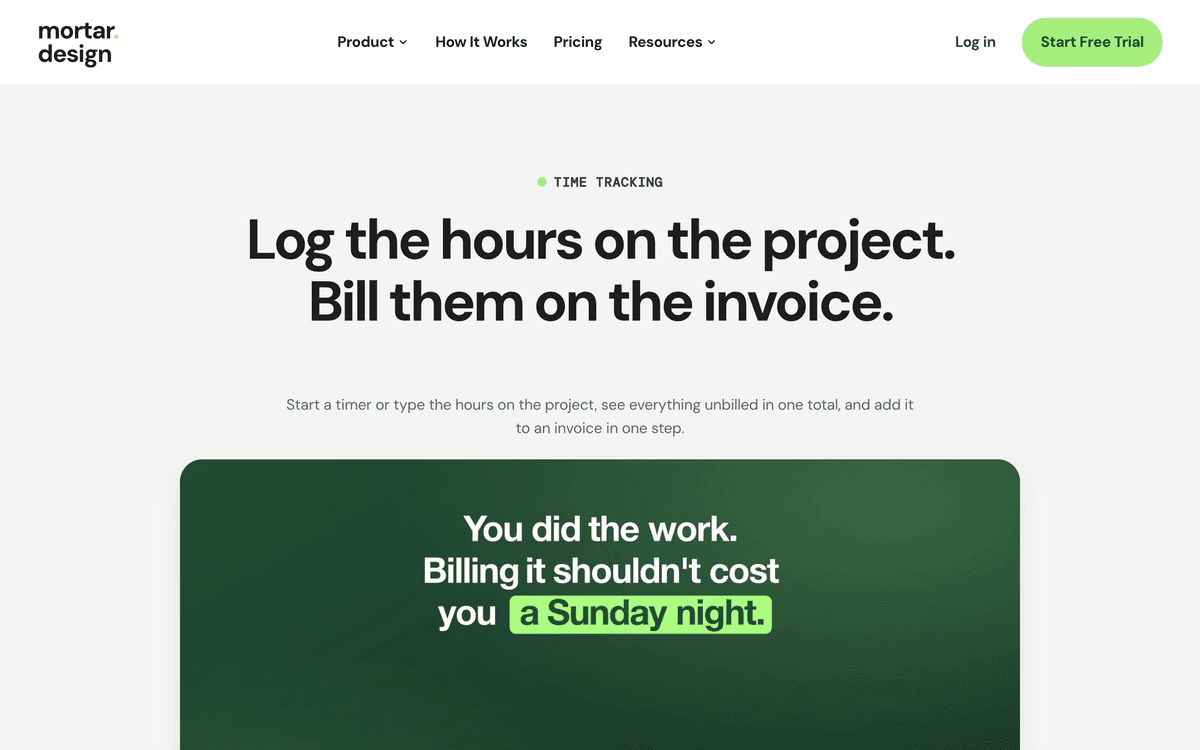
- Log it as you go. A timer in the top bar on every page, or add time afterwards: pick the activity, type 1.5, 1h 30m or 90, press Enter. Six activities to start with, from Sourcing to Site visit, and you can rename them or add your own. Research and admin go down as studio time, so the week adds up
- Rates set once. Give each person a rate, or each activity, in each currency you work in. Round to 5, 6, 10, 15, 30 or 60 minutes, or not at all
- From timesheet to invoice in one step. Everything unbilled sits in one total. Add it to a new invoice or a draft, as one line per activity, per entry or one line for the lot. Send it and those hours lock, so nothing is billed twice
- Only you see the margin. Add what each person costs you an hour, and every invoice shows what it billed, what it cost and what's left, to the owner only
The 20 November release had a lot more in it, much of it from our weekly backlog triage:
- Late deliveries are flagged on the Items list, the item tile and Purchase orders: "Arrives after install"
- Set, change or clear a room's budget from Room Details
- Send invoice tells you up front if Stripe isn't connected yet, with a link to Settings
- Payment receipts show the amount paid, which reads better for deposits and part payments
- Data Import recognises A$, NZ$ and US$ in a spreadsheet, and the import progress strip can be dismissed
→ Time tracking · procurement · invoicing and payments → Free: project timeline template → Try Mortar free for 7 days
Edge Lab: demo days, the full loop
A quieter week on the public site, and a busy one behind Test notes for demo days. The organiser now has a Rack: scan a ski out and back, one ski out per tester at a time, numbered labels for pairs of the same ski and length, and a record of who marked each ski back. Each ski's results download as a laid-out PDF, and testers are added to an event so its messages only go to them.
For skiers with an account:
- My feelings by season. What you've noted is kept season by season, with a prompt when a new season starts and an opt-in reminder email
- You can save a feeling that mentions pain, kept private, with a nudge to see a physio
- Feel and Learn pages show who wrote them, linked to the about page
- The six Lab movements each draw their own skier, and Play runs the whole turn
→ Test notes for demo days · is this ski right for me? · what doesn't feel right?
Client work
A quiet week on the live client sites. Work for Texas REALTORS® is in review and will be here when it ships.
If you need something like this built for your industry, this is what we do.
Marketing, behind the scenes
- mortar.design has a time tracking page with a 50-second video, and time tracking now appears in the feature lists across the site.
- talicms.com guides and comparisons have FAQ sections, and every page has a clearer title and description for search.
One thing I learned
Switching a feature on doesn't mean switching all of it on.
Cash Flow went into the menu on Monday. The same day, we switched the What if page back off. It had been built, it worked, and it was part of what I described here last week. But I'd been through Cash Flow over and over, and sat down with my financial mentor to work out what would make it genuinely useful, and the answer was clear: future work you can add in seconds, costs in the right place, and tax you can trust. So that's what most of the week went into.
What ifs will come back once the forecast underneath them has earned the trust. A what-if built on numbers you don't believe is just a guess with a nicer chart.
See you next week.
— Daz
 Consulting Inquiries