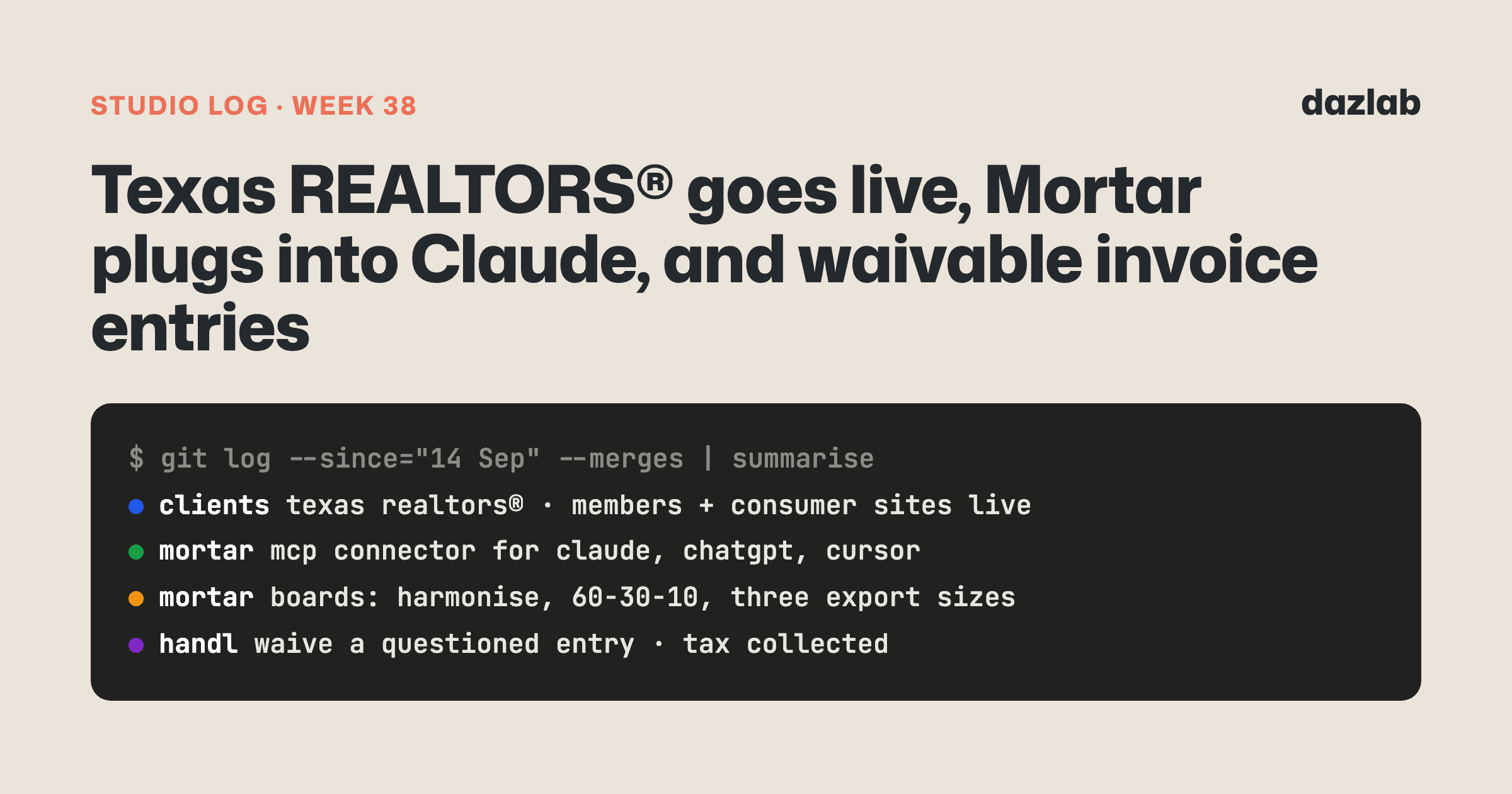
140 pull requests merged across 10 repos last week. One of them was a launch day we'd been working towards for months. Here's the week.
Texas REALTORS®: two sites, one launch day
On 15 Sep both Texas REALTORS® sites went live. The members site and the consumer site, same day.
Texas REALTORS® is one of the largest REALTOR® associations in the country. And it talks to two audiences who want completely different things. Members want forms, education, research and their own profile. Consumers want to know how a REALTOR® helps them and how to find one. So they get two sites... same brand, separate builds, each doing one job.
The members site is a member platform, not a listings site. It's where members:
- Find a REALTOR®. The directory stays in sync with official membership and licence data automatically, so nobody maintains it by hand. Filter by location, licence number, languages, designations and specialties.
- Sign in with the login they already have. Their existing NAR sign-in works. No new password to forget.
- Search inside documents. The forms library and research archive are searchable by what's in the files, not just the filenames.
- Get to education, research, the magazine, committees and awards, each one a proper content type staff manage themselves.
Everything moved across from WordPress with a full redirect map, so old links keep working.
The consumer site is deliberately small: guidance for buyers, sellers and renters, and a route to finding a REALTOR®. It shares the brand with the members site but none of the complexity.
The week after launch was polish. Both blogs, Advice for REALTORS® and Advice for Buyers, Sellers, Renters, now have RSS feeds. Research report PDFs open in a popup so members don't lose their place. The awards form loads sooner and shows a loading state. And both sites honour the Global Privacy Control signal from your browser, with analytics and embeds waiting for cookie consent.
Mortar: plug it into Claude
As of 15 Sep, Mortar is an MCP connector. Plug it into Claude, ChatGPT, Cursor... anything that speaks MCP.
Which means a designer can ask their AI tool what's still unapproved on a project, or which orders won't land before an install, and the answer comes from their live Mortar data. Not from the AI making something up.
It connects with proper OAuth, per studio, set up in Settings → Connected apps and revocable any time. It's read-only by default. And if it wants to change anything, that goes into Mortar's approval queue and waits for a person to say yes.
Also shipped in Mortar this week:
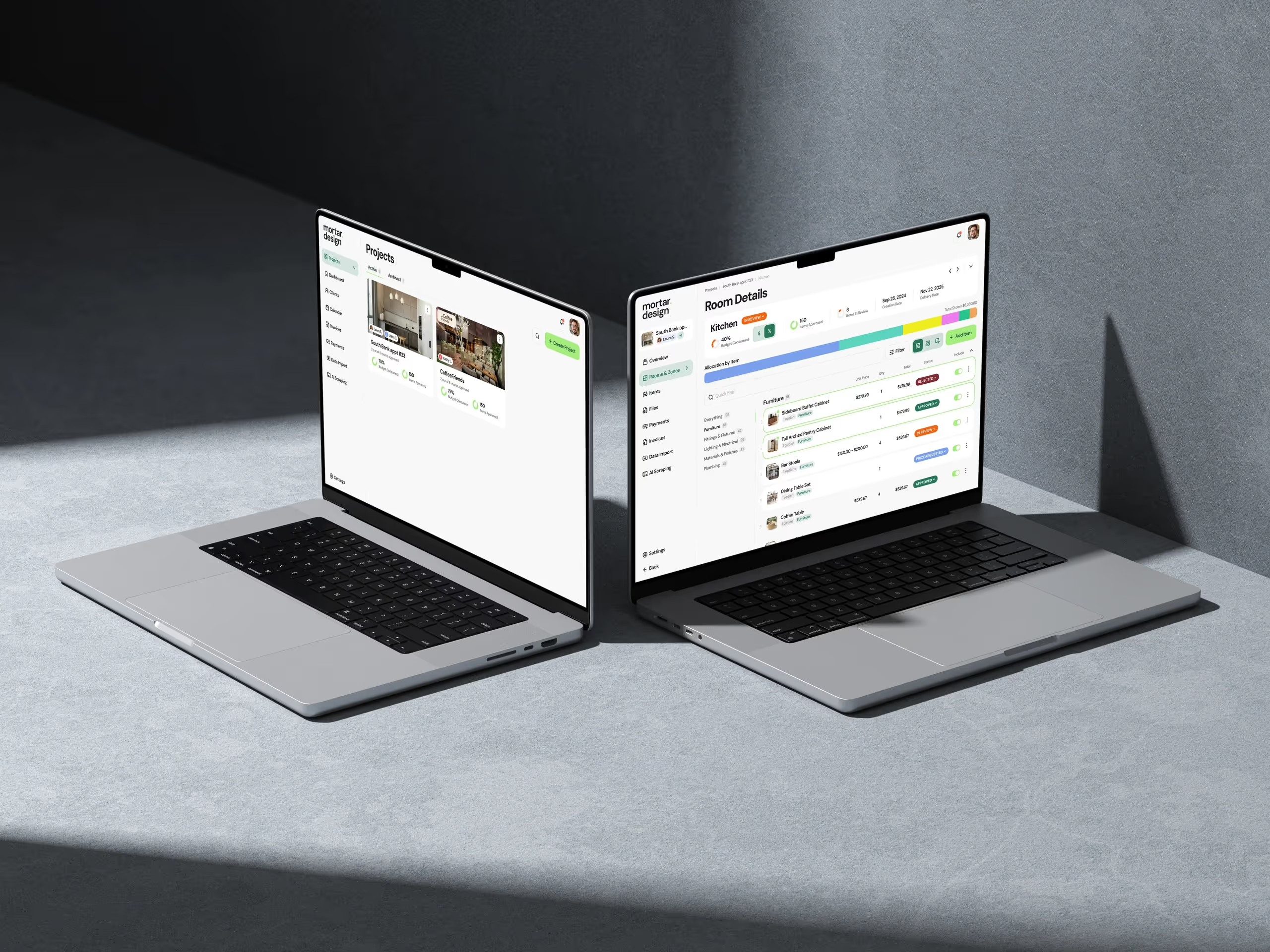
- Boards got a lot more designer-y. Harmonise warms or cools selected photos to one tone, so vendor shots with different lighting stop fighting each other. A palette bar shows your 60-30-10 split. Pick an intent (Concept, Mood or Spec) to set sensible defaults, give flooring and rugs a perspective tilt, and export one board as an A4 tearsheet, an Instagram square or a Pinterest tall image.
- Board PDFs in the client portal respect what you've chosen to share, prices and suppliers included.
- Pinterest import runs in the background. It shrinks to a progress pill so you can keep working, you can send pins to specific rooms as they come in, results show as product cards, and each project can use a different Pinterest account.
- Saving from retailer sites. The clipper now opens a save panel right on the retailer's page: pick the image, check the title and price, choose project, room and quantity, done. A Chrome extension version is coming.
- Bulk actions on items. Tick a few, then remove, change status or move to another room in one go. Items default to card view and each room remembers your choice.
- Archive projects you're done with, and bring them back whenever you need them.
→ See how it works: AI assistant · client portal · procurement → Free: interior design budget template → Try Mortar free
Handl: when a client questions a line
Handl's client portal lets clients ask a question about any line on an invoice. This week was about what happens next.
Sometimes the right answer to a question about a small entry isn't a long explanation. It's just taking it off. So now you can waive or reduce a work-detail entry straight from the client's question.
Nothing gets quietly edited. The invoice becomes revision 2, with a list of exactly what changed and why. The PDF, the client portal and your own invoice page all show the revision, and the client can still open the original. If it's synced to Xero, Xero updates too. And the time entry itself is kept, marked as written off, so your margin reports stay accurate.
You can also set a goodwill threshold in your financial settings. Anything under it gets a one-click waive button when a client asks about it.
The question threads themselves got better too. Rich-text replies with pasted images, quote-reply, an answered state on each question, deep links to a specific question or reply, and timestamps shown in both your timezone and your client's.
Also shipped in Handl this week:
- Tax collected, per period. Set your filing period, which month it starts and whether you report on cash or accrual. The dashboard shows tax collected for this period and last.
- A tax summary email, weekly or monthly depending on how often you invoice, and easy to switch off.
- Payments filters stick. The period and date range stay in the URL, so you can bookmark or share the exact view.
→ See how it works: client portal · invoice automation · integrations → Free: invoice aging and chase tracker → Start a Handl trial
Client work
Abilene Association of REALTORS® — listing cards load their images in one batch now, so the listings pages are quicker. The site also honours the Global Privacy Control signal, and embedded content waits for cookie consent.
Texas REALTORS® — covered up top. Launch week.
If you need something like this built for your industry, this is what we do.
Marketing, behind the scenes
Mostly handl.works this week.
- Three new free tools: a rate card and margin calculator, a team capacity and utilisation planner, and a 13-week cash flow forecast. The SOW, invoice pack and retainer templates are now downloadable Word files too.
- A new product page for alerts, covering hours, budget and margin alerts.
- Lead emails got a proper look. Handl-branded layout, a booking link, and lead emails now come from me rather than "Handl". Transactional emails stay as Handl.
- A nurture sequence is built (day 2, 5 and 9, plus a Monday digest), but it's switched off for now.
- Screenshots without the designer round-trip. We built a small workflow that produces product visuals for the template pages straight from the app. The project P&L template was first.
- Over on mortar.design, a new content cluster on finishes schedules went up.
One thing I learned
A number on a dashboard is a number nobody looks at.
Plenty of agency owners get the "where did all that GST go?" surprise at tax time. Tax collected is the first half of that answer, and it was always there to be worked out. Nobody went looking for it.
So the tax collected figure in Handl doesn't only live on a dashboard card. It comes to your inbox on a schedule, using the same calculation as the card so the two can never disagree. If something matters and changes slowly, send it to people. Don't wait for them to come and find it.
See you next week.
— Daz
 Consulting Inquiries