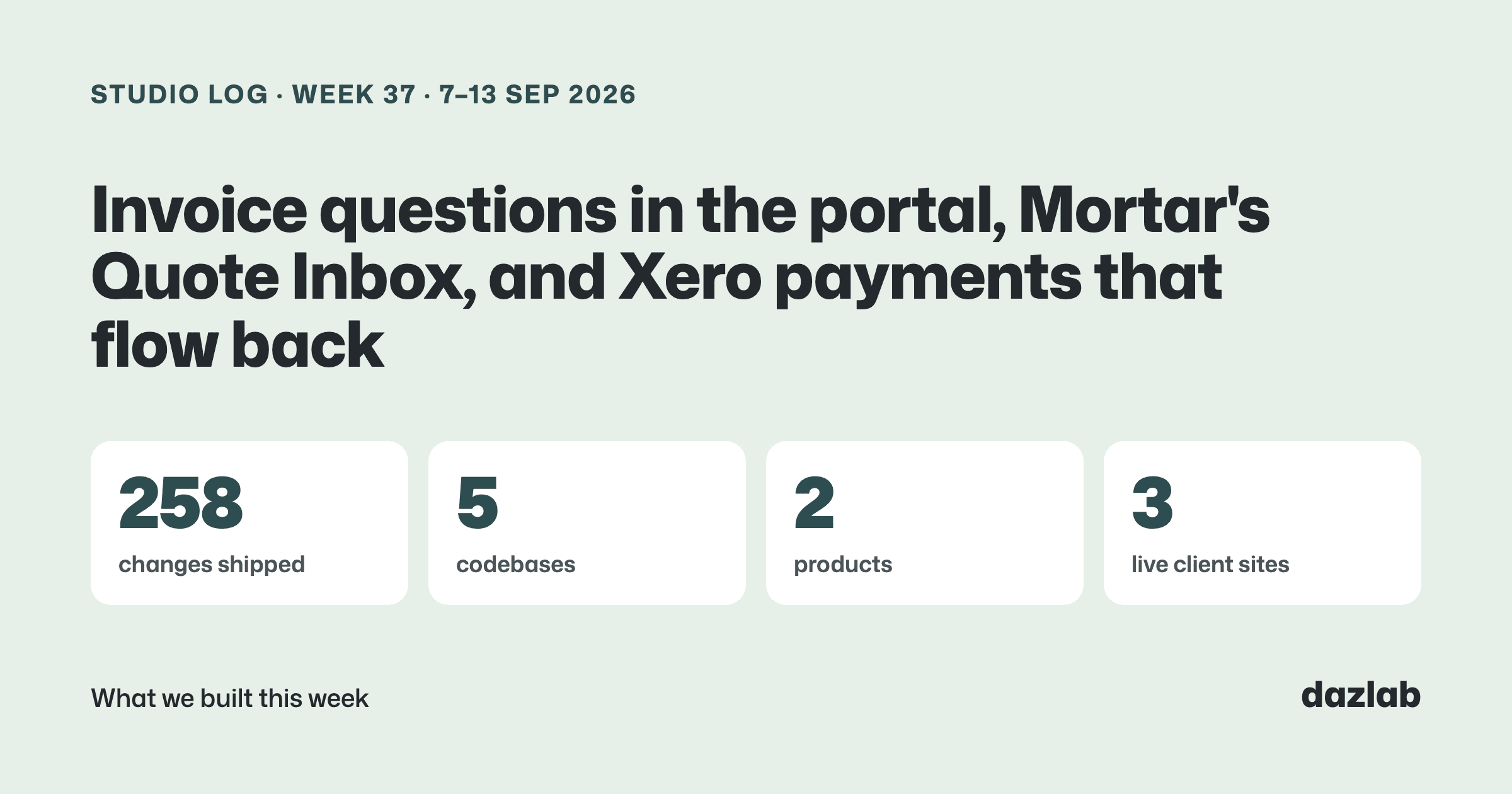
258 pull requests merged across 5 repos last week. Big one. Most of it split pretty evenly between Handl and Mortar... here's what matters if you use either.
Handl: your client can ask about a line, not the whole invoice
You send an invoice. A week later the client emails back "quick question about this one". Which line? What about it? You dig out the invoice, find the hours, reply, wait, and the invoice just sits there while everyone works it out.
So we moved that conversation onto the invoice itself.
In the client portal, your client can now ask a question on a specific line item. It opens a thread right there, you get notified, you reply, they get notified. On your side there's a Questions view that shows who asked, which line, the money, and the work behind it... so you can answer without opening four other screens. You can @mention a teammate on the thread if someone else knows the answer.
A few decisions I'm glad we made:
- A question never pauses reminders or changes the status. (The one exception: auto-pay waits, so nobody gets charged mid-question.) It's a conversation, not a dispute.
- Paid is the final word. Once an invoice is paid, there's nothing left to question.
- Comments sit on the invoice, Google Docs style. Markers on the lines, a popover on the right, edit and resolve when you're done.
- The Handl agent can see them too. Ask it which client questions are open, reply or resolve from chat, and open questions show up in your daily digest.
And alongside questions, invoice approval. Pretty common for the PM to sign off on an invoice and someone in accounts to pay it. Now anyone with portal access can mark an invoice approved, and you can ask a specific contact to review it. It's a label, not a gate... more on that at the end.
Also shipped in Handl this week:
- Xero payments come back into Handl. When your bookkeeper reconciles a payment in Xero, it's recorded against the invoice in Handl automatically, near real-time. There's a reconciliation panel listing any invoice where Handl and Xero don't match, with a Check now button, plus a line in your daily digest.
- A heads-up when an integration needs reconnecting, right in the app, and a notification if an invoice gets voided on the Xero side.
- Payment methods per client. Inherit the agency's list or set a custom order for one client. The payment options clients see also follow their billing country.
- A client portal project page for each project type. Fixed price, time and materials and retainers each get their own overview, an "About this project" summary you write for the client, and a per-project option to share unbilled hours (off by default).
- Project logos everywhere a project is named, including the portal.
- A fuller Tasks tab in the portal, with filters, sorting and a click-through to your PM tool.
- The portal chat can now look up invoice detail, work done in a period and your client's open questions. Read-only, and only what that client can already see.
- Time and materials invoices say how time was rounded, on the PDF, the portal and the email.
- A richer "Draft invoice ready" email: line items, totals, hours by person, an AI summary and how it compares to last cycle.
→ See how it works: client portal · integrations · invoice automation → Free: invoice aging and chase tracker → Start a Handl trial
Mortar: forward the quote, it lands in the project
Supplier quotes arrive by email. PDFs, spreadsheets, sometimes a quote forwarded inside another forward. Then someone retypes it into the schedule.
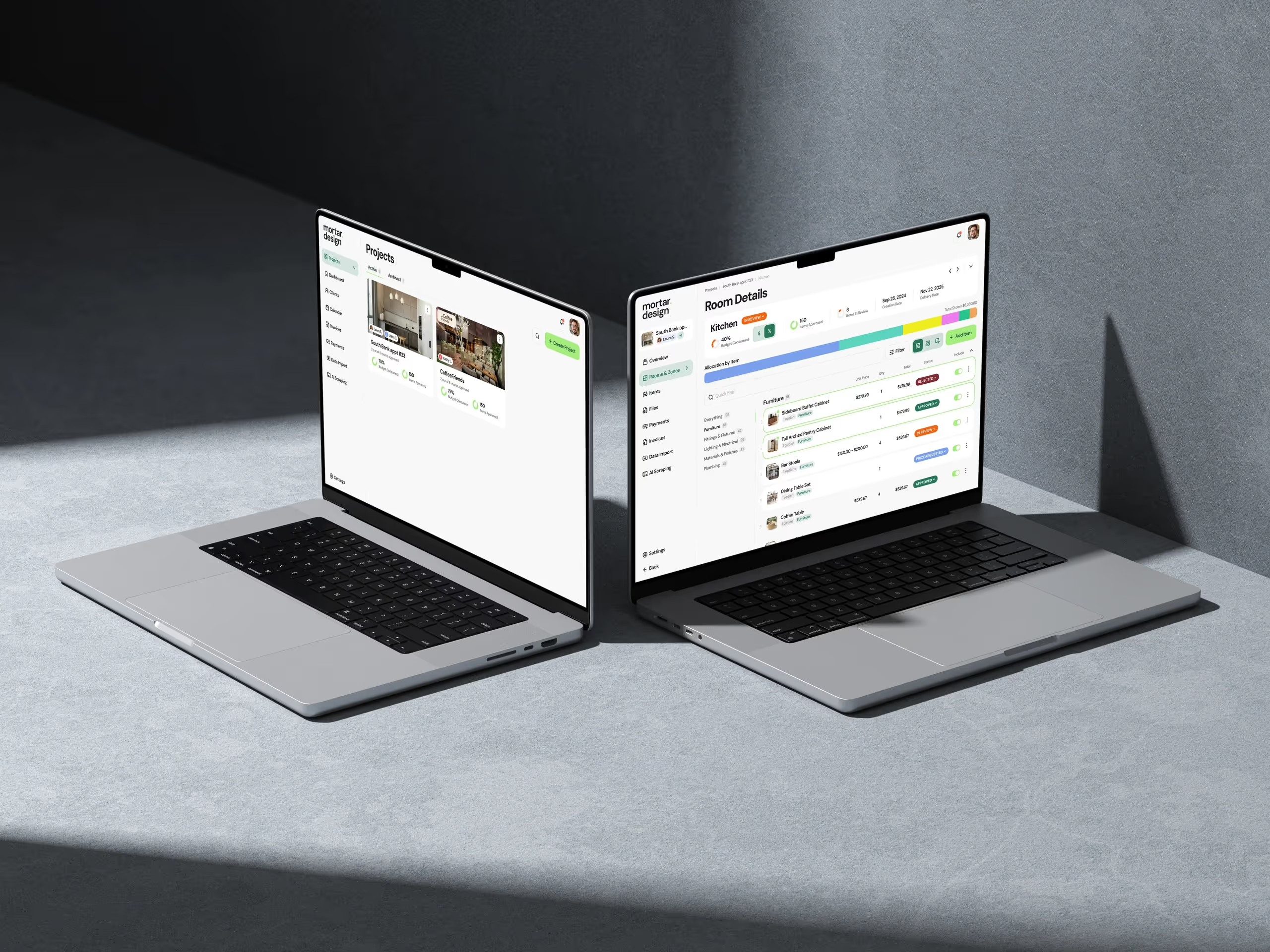
This week Mortar got a Quote Inbox. Every project has its own private forwarding address. Forward the supplier's email, attachments and all, and it lands in that project, read into lines you can review: product, price, lead time. There's a holding area where you check and edit before anything touches the project, then accept the lines into rooms or your service catalogue. Each quote gets a short AI summary with the attachments up front and the original email tucked away underneath.
The other big piece was the schedule. Items now carry proper spec fields (SKU, dimensions, material, manufacturer), a reference code like FL-01 with the next one suggested for you, and a site status from specified through issued to installed. You can export a room-grouped schedule as a PDF, a full designer version or a client-safe one, or as a CSV. And when you issue a schedule, it's frozen as a revision that can't be edited, so you can see exactly what changed since the last one went out.
And team roles. Owner, admin and member, no permission matrix to configure. Members only see the projects they're assigned to, and trade cost, markup and margin don't appear anywhere for them.
Also built this week and on the way:
- The project Overview becomes the page you land on when you open a project
- Notes on items, with separate internal and client lanes
- Your own events on the calendar, and a feed you can subscribe to from Google, Apple or Outlook
- Photos in the AI assistant, plus drafting client update emails and finding alternatives from your own catalogue
→ quotes · finishes schedules · team → Free: interior design budget template → Try Mortar free
Client work
Real Estate Jobs Australia — a week focused on getting jobs in front of more people, and closing the loop on hires.
- Mark as hired. Employers can move a candidate to a Hired stage in the pipeline, and the platform keeps a record of hires.
- Jobs go further. A public job feed for the big aggregators (Jora, Adzuna and Jooble), and job pages are set up to show in Google for Jobs.
- Share a job ad. A "Share job ad" button on the employer's job page, a link preview that shows location and salary, and an auto-generated Instagram tile for every job, in post and story sizes.
- Hide the salary on a published ad and show a message of the employer's choosing instead.
- Job alerts from the CRM. When a job goes live, matching contacts get an alert, starting with Brisbane.
If you need something like this built for your industry, this is what we do.
Marketing, behind the scenes
- A new Handl lead magnet: a project P&L spreadsheet on handl.works, emailed as an .xlsx.
- Lead magnets on every content page. handl.works now shows a free template that matches the topic of the page you're reading, including the ad landing pages.
- mortar.design got new pages for mood boards and data import, a public changelog, and a Log in button that reads "Dashboard" when you're already signed in.
One thing I learned
Approval should be a label, not a gate.
The obvious way to build invoice approval is as a step. Invoice goes out, someone approves it, then the pay button unlocks. It looks tidy in a flowchart.
But think about who it actually hurts. The agency wants to get paid. The person in accounts is ready to pay. And the button's greyed out because the PM is on leave. So in Handl, approval never touches payment. Anyone can approve, you can ask for it, you can see it... and the client can still pay whenever they're ready.
Same with questions. A question doesn't put the invoice on hold. If there's a real problem, people will say so.
See you next week.
— Daz
 Consulting Inquiries