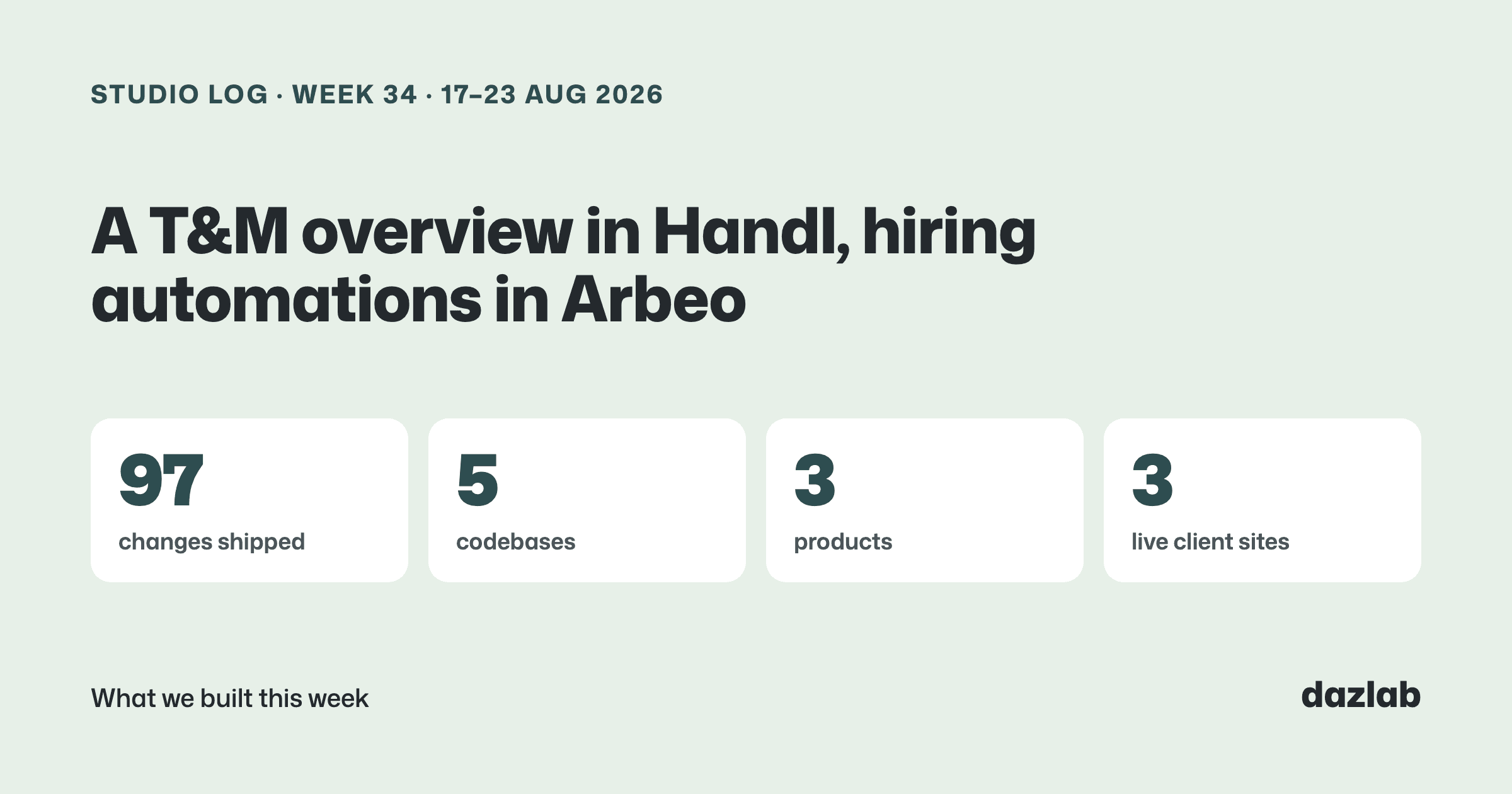
97 pull requests merged across 5 repos last week. A lot of it went into one screen in Handl... and Arbeo quietly got a whole lot less clicky. Here's the week.
Handl: a project overview that actually fits T&M work
The project overview in Handl was designed around fixed-price work. One number, the contract, gets used up over time... and the shape of the line tells you how much is left.
That doesn't work for time and materials. T&M has no ceiling, so a cumulative line just climbs. A healthy project and a struggling one both slope up and look exactly the same.
So T&M and retainer projects now get their own view. One bar per week:
- The height is the billable value your team created that week
- The dark base is what it cost you
- The gap between them is your margin
A thin week is instantly obvious... it's a bar that's nearly all base. Hover a week and it tells you who logged the time. The chart also frames itself on the project's own dates now, so no empty months at the start, and the legend toggles what it describes.
The other one I'm really happy with is the Outstanding card. Unpaid and overdue aren't the same thing, and "oldest invoice is 14 days old" doesn't tell you much if it isn't due yet. Now the card lists what's actually overdue, by how many days, with a link straight to each invoice. That's the list you want before you pick up the phone... or more likely, before Handl chases it for you.
Also shipped in Handl this week:
- Work detail matches the invoice. The breakdown of work behind each invoice now groups by the same categories as the invoice lines, so your client sees one consistent story.
- Stripe refunds and disputes now flow straight onto the invoice they belong to.
- Add a milestone from the roadmap. Hover empty space and an "Add milestone" button appears.
→ See how it works: cash flow · invoice automation · client portal → Free: invoice aging and chase tracker → Start a Handl trial
Arbeo: less clicking, more hiring
Arbeo is our ATS for small businesses that don't want the complexity. This week was about the repetitive stuff that eats a hiring manager's afternoon.
Email templates and bulk send. Save your own templates (candidate name, job title and so on merge in), then email everyone in a status column in one go. Before anything sends you get a preview of exactly who's getting it and who's being skipped because they've already had it. No accidental double emails.
Status-change automations. Set a rule like "when someone moves to Not progressing, send this template after 24 hours". Rules are opt-in per job, and the delay doubles as an undo window. Drag the candidate back out before it's due and the email never goes.
Natural-language search. Type "retail experience, can start next week, weekend availability" and Arbeo finds the people who fit. No filter builder.
Smaller bits:
- Change a candidate's status right from their detail drawer, and step through candidates with previous/next
- The AI assistant now sits beside the candidate drawer instead of covering it
- Jobs can be saved as drafts, archived, or duplicated when you're hiring for the same role again
- A new "rate request" question type for asking candidates their expected rate
- Your Applications filter sticks, so a refresh doesn't lose your place
→ Arbeo, the ATS without the complexity
Mortar: clients can pick between options
Designers often show a client two or three alternatives for the same spot. Until now the client saw them as separate cards, each with its own Approve button... which isn't really how that conversation goes.
Now option groups show up in the client portal as a "choose one". The client picks the one they like, and that pick is advisory. It never moves the budget on its own. The designer confirms it, and the portal shows when the pick and the budget agree.
Also this week:
- Decimal quantities and units of measure. 12.5 m² of tile, 3.5 linear metres of joinery, rolls of wallpaper. Quantities carry through to budgets and invoices.
- Every supplier quote reply is captured. Follow-ups and price corrections all land against the quote request, and auto-replies are recognised and set aside.
- Your studio branding on every client email, plus a board header with the project title, concept and studio logo across the editor, portal and PDF.
- A denser layout. Compact room cards, a summary strip, and a new list view for rooms with a card/list toggle.
- Request review. Ask your client to review and approve selections straight from the project.
→ client portal · procurement · budget tracking → Free: interior design budget template → Try Mortar free
Client work
A quiet week on the client side... mostly groundwork.
Real Estate Jobs Australia — we're moving the platform's emails onto the site's own sending domain, ramping volume up gradually so welcome emails and alerts keep landing in inboxes rather than spam. It's the kind of job nobody notices when it's done properly, which is the point.
If you need something like this built for your industry, this is what we do.
Marketing, behind the scenes
- An SEO sprint on handl.works. We went after the pages sitting just off page one: rewrote titles and descriptions to match what people are actually searching for, fixed up internal linking, audited what's indexed, and started new content clusters around milestone billing and retainers.
- Handl's ad tracking got deeper. Google Ads can now see logins and purchases, not just sign-ups, so we can judge a campaign on who actually pays.
- Every lead email on handl.works now comes straight to me. Small change. I want to read them myself for now.
One thing I learned
Every automation needs an undo window.
The obvious way to build "email the candidate when their status changes" is to send it the moment they move. But people drag cards around to think. They move someone to the wrong column, or change their mind ten minutes later. A rejection email you can't take back is a terrible way to find that out.
So Arbeo's automations wait. 24 hours by default, and moving the candidate back cancels it. It's a bit slower... and it means you can trust the automation enough to actually turn it on. I think that's going to be true for most of the automation we build across the products.
See you next week.
— Daz
 Consulting Inquiries