239 pull requests merged across 5 repos last week. A lot of it went into one screen. Here's the week.
Handl: one timeline for the whole project
Ask an agency owner "is this project OK?" and they'll open about four tabs. Milestones in one place, invoices in another, payments somewhere else, and cost... usually a spreadsheet.
The answer to "is it OK?" is really a timing question. Is money coming in as fast as it's going out?
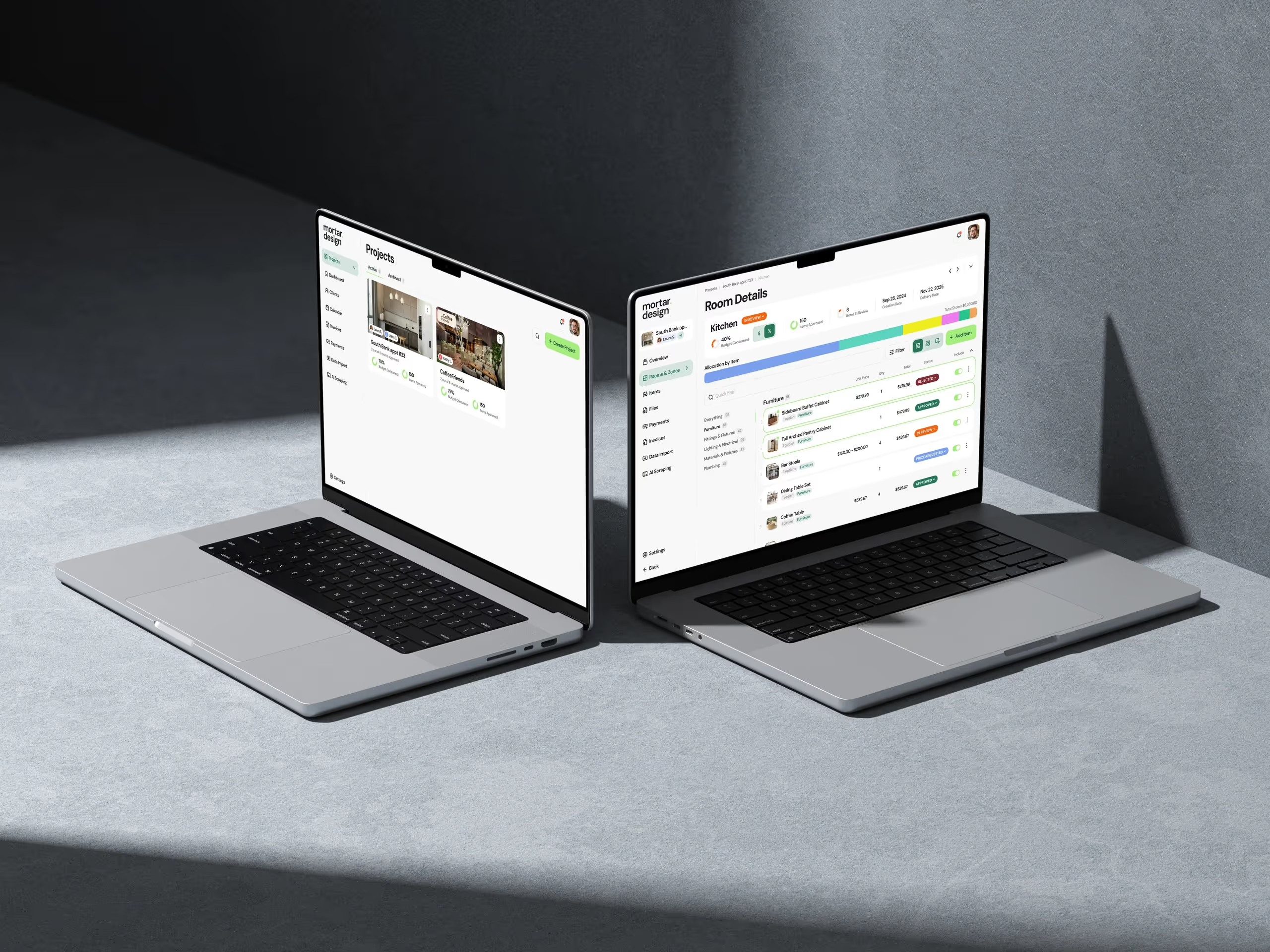
So we rebuilt the project Overview around a single timeline. Milestones, billing, payments received and cost, all on one shared time axis, with "today" marked. Read down any date and you can see whether the money in is keeping pace with the money out. No arrangement of cards can show you that.
A few details I'm happy with:
- Fixed-price projects get a chart with three bands on one axis: milestones, money, and weekly cost against margin. Invoices show as planned, issued, part-paid or paid, and a connector shows when each invoice actually turned into money.
- Time and materials projects get an hours band instead, with a breakdown of who logged the time and where those hours are up to.
- Cost by role. See which roles the budget is going to, and each role's share of the total.
- Every tooltip says what it is. Hover any point and you get the actual detail, not a vague total.
- Currencies stay honest. The Overview says which currency it's in, keeps each currency separate, and anything converted is converted at the rate on the day it happened. Hover a converted total and it shows the rates it was built from. A new daily exchange-rate job covers every currency Handl deals in.
We don't draw forecast cost on the timeline. A projection drawn in the same style as an actual is too easy to read as fact... so the chart only shows what's really happened.
Also shipped in Handl this week:
- Choose who sees cost rates. A per-member toggle for viewing cost rates, set right when you invite someone. Staff can see the project without seeing what everyone costs.
- Invoicing controls. Discounts on individual line items, a default time-rounding rule for the agency (with per-client overrides), widen a draft invoice's period to pull in older hours, record a payment on a draft without sending it, and correct the currency on an invoice before it's paid.
- Bank transfer and card on the same invoice. Clients pick how they pay, and nothing gets auto-charged.
- Milestones. Enter allocations as hours per week × weeks, choose whether milestones complete automatically or wait for your confirmation, and preview a container's tasks before you link it. Cost rates can also start from a date you pick.
- Tidier invoice screens. One actions menu, Work detail in its own tab, a merged activity history, and numbered pages on the invoice list.
→ See how it works: cash flow · invoice automation · integrations → Free: invoice aging and chase tracker → Start a Handl trial
Accessibility, everywhere at once
The other big chunk of the week was an accessibility sweep against WCAG 2.2 AA. It ran across the Handl app, handl.works and Real Estate Jobs Australia in the same week.
In Handl that meant colour contrast on every design token, proper names on icon buttons, keyboard access for everything you could previously only do with a mouse, screen reader labels on charts, and bigger tap targets. Client-facing screens got their own pass, because your clients are the ones who can't ask you for help with them.
And we added automated checks so none of it slips backwards next time someone builds a screen in a hurry. Which is usually me.
Client work
Real Estate Jobs Australia — a big one.
- Branded emails. Every email the platform sends now uses a designed template with the Real Estate Jobs Australia logo in the header.
- Accessibility. The same AA pass as Handl: contrast, focus states, a skip-to-content link, labelled forms and screen reader announcements.
- For job seekers, a profile completeness card on the dashboard and applications page, a clearer apply confirmation, and password rules shown up front at signup.
- For employers, a 30-day full-edit window on job ads, closed jobs visible on the board with a one-click Reactivate, and job postings recorded against the company in the client's CRM.
- On mobile, profile and account settings are reachable from the menu, and interview and culture videos play inline.
Columbus REALTORS® and Abilene Association of REALTORS® — both CMS admins now have in-app help built in, so association staff can search the help guides or get in touch without leaving the page they're editing. We also added product analytics to the admin, so we can see which parts staff actually use and put the effort there.
If you need something like this built for your industry, this is what we do.
Marketing, behind the scenes
All on handl.works this week.
- The integrations page got rebuilt from what the product actually connects to today, one integration at a time.
- Designer visuals landed on five of the seven feature pages. The other two are coming.
- The cash flow page got a refresh, with what it actually does spelled out more clearly.
- The What's new page got detailed entries for the July and August releases: bank transfer and Wise matching, formatted invoice summaries, editable draft line items and the agent upgrades.
- SEO plumbing. New titles and descriptions on the feature and pricing pages, step-by-step markup on the how-to articles, and old invoicing and comparison URLs now redirect to the right pages.
One thing I learned
Accessibility is cheaper as a sweep than as a habit you promise to have.
I've said "we'll make it accessible as we go" on plenty of projects. It never quite happens. Somebody's in a rush, a button gets an icon and no label, and six months later you've got 60 small problems.
Doing it in one hit, across three codebases, with automated checks that fail the build if anything regresses, took a week. It'll save us from ever doing it again. And it made the product better for everyone... bigger tap targets and clearer contrast aren't just for people who need them.
See you next week.
— Daz
 Consulting Inquiries