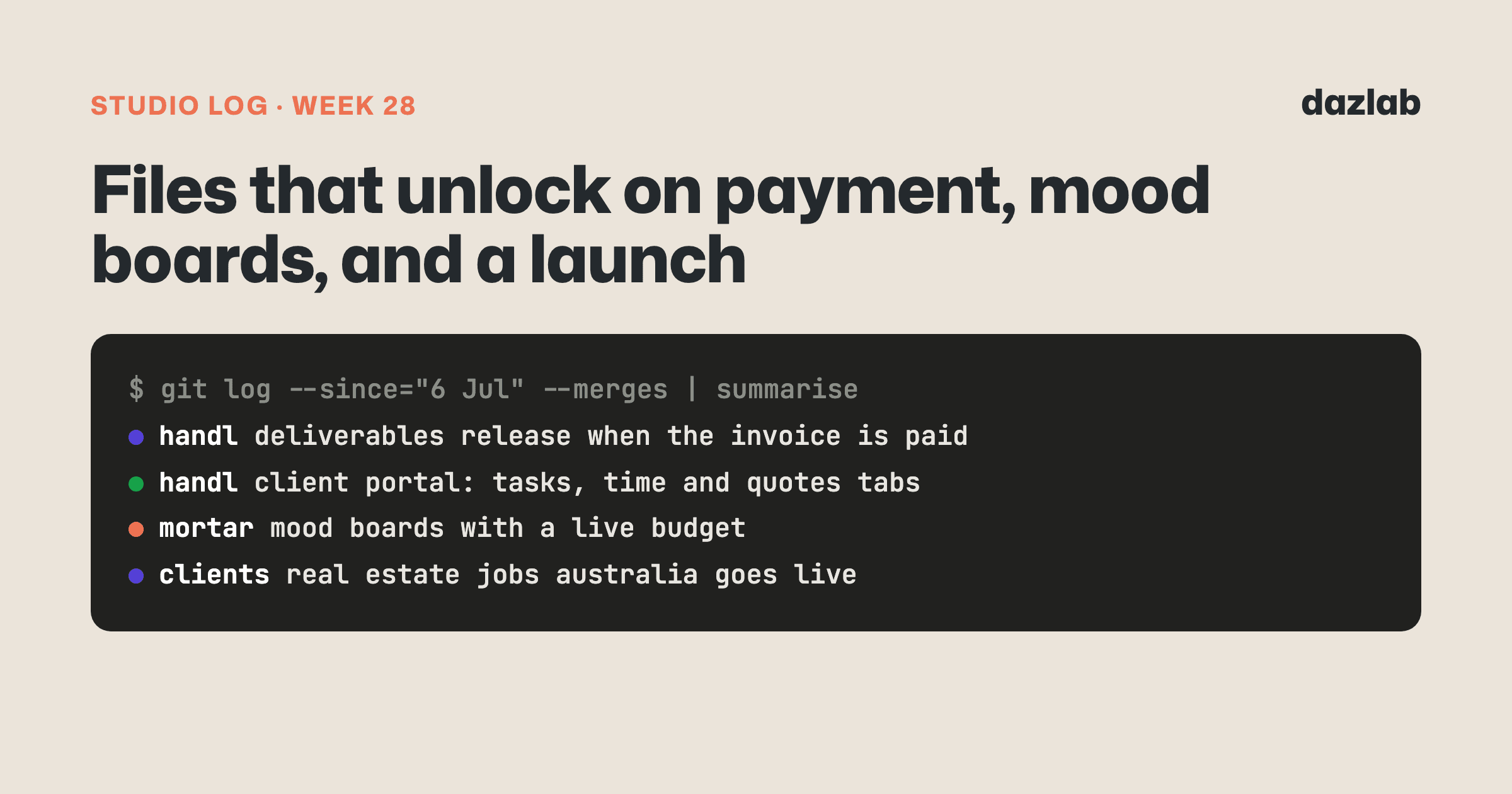
154 pull requests merged across 4 repos last week. A launch, a new canvas in Mortar, and an answer to one of the oldest headaches in agency life. Here's the week.
Handl: hand over the files when the money lands
Every agency knows this one. The work's done, the client wants the files, and the invoice hasn't been paid.
Send the files first and you're chasing money from someone who already has what they wanted. Hold them back and you're the awkward one, emailing "just waiting on payment before we send these over..."
So we built Asset Exchange. It went live on 7 Jul.
Upload the final files, or links to them, against an invoice or a milestone. When you send the invoice they're locked. The moment the client pays, they unlock automatically. No email to write, no awkward conversation.
Your client can see exactly what's waiting for them on the pay page and in their portal. So the files do the chasing for you... it's a lot easier to pay an invoice when you can see what you're getting.
A few details:
- However the client pays. Card or bank, once the invoice is paid, the files release.
- Release now. If you trust the client, or you've been paid some other way, one click hands the files over anyway.
- A Deliverables tab on every project, with drag-and-drop uploads, so all the handover material lives in one place.
- On by default for new projects, because it only changes what happens after payment. Nothing reaches your client until you send the invoice, and you can switch it off per project.
Also shipped in Handl this week:
- A client portal you control, tab by tab. New Tasks, Time and Quotes tabs. For tasks and time you choose none, a summary or the full detail, per project, and they start switched off. Rates, costs and team names never show.
- Preview as client. See exactly what your client sees in the portal before you send the link.
- Quotes, start to finish. One client approval, the option to revert a quote, and PDF downloads with attachments.
- Cmd+K search. Jump to any client, project, invoice or quote from anywhere.
- Team utilisation report. Capacity comes from each person's employment setup (type and expected hours), and the money columns only show for people allowed to see them.
- Sharper cash flow. Projected T&M income now lands in the week you'll actually get paid, based on each client's payment terms. The bars are coloured by project so you can see who's driving the week.
- Suggest milestones. Ask the AI to draft a project's milestones for you to review.
- One branded look for every email Handl sends, from sign-in emails to invoices and reminders.
Coming next: switching to Handl is about to get much easier. We built a migration import that brings in your old invoices from a CSV, with presets for tools like Harvest, FreshBooks, HoneyBook, Zoho and Xero, or straight from old PDF invoices. Anything imported stays silent, so a client never gets a reminder about an invoice from your old system. There's also a one-click export of your whole account, and invoice sync to Xero and QuickBooks. More on those when they're out.
→ See how it works: client portal · invoice automation · cash flow → Free: invoice aging and chase tracker → Start a Handl trial
Mortar: mood boards with a live budget
Designers make mood boards in one tool, the budget lives in a spreadsheet, and the client approves things over email. Three places, and they never quite agree with each other.
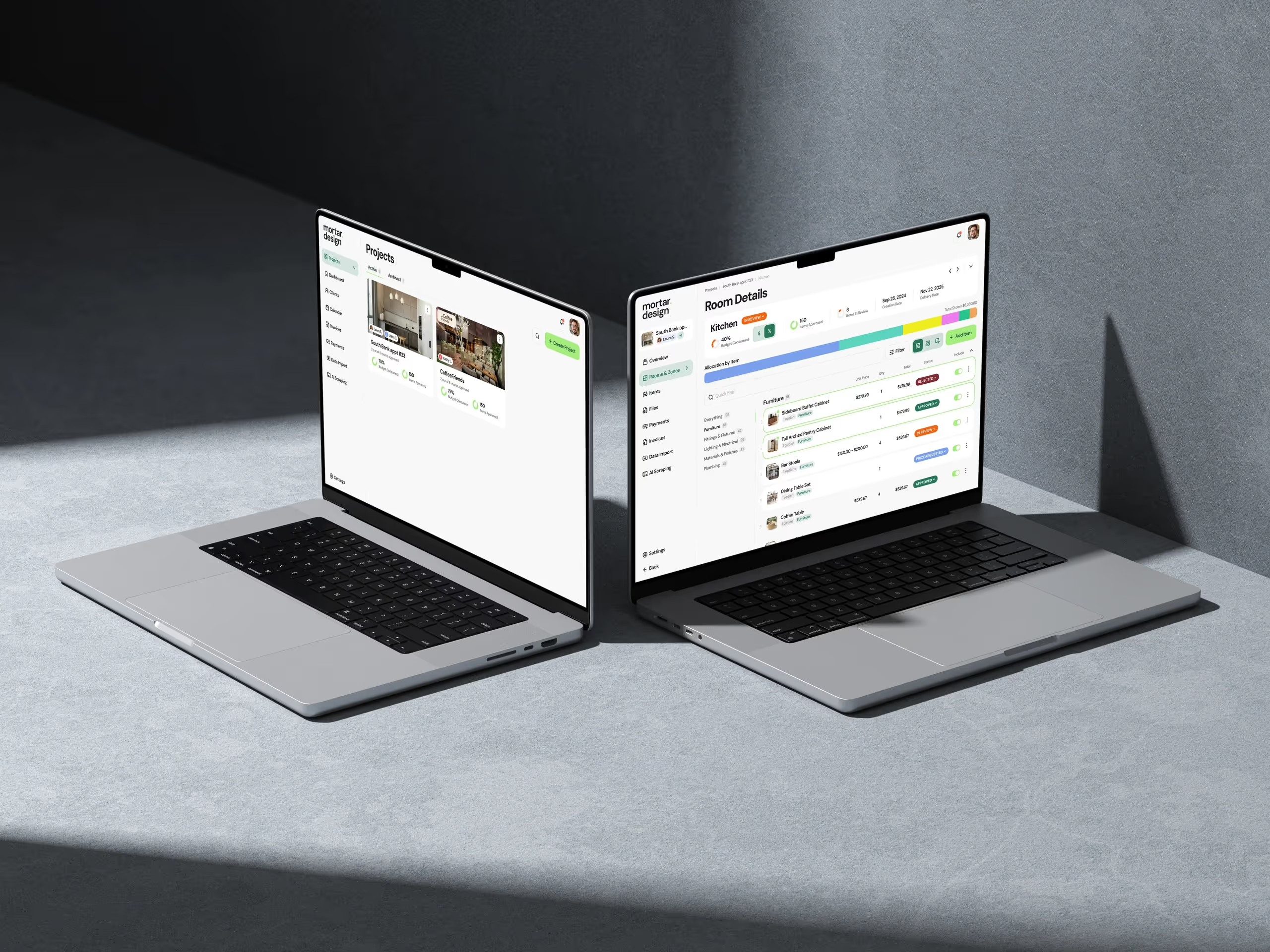
Mortar's mood boards put all of that on one canvas. They landed on 12 Jul.
- A freeform canvas with real products from your project, plus text and arrows.
- A live budget bar. Move products on and off the board and you see what the room costs as you go.
- Client approval on the board. Share it to the client portal and your client approves straight from the board.
- Tearsheet PDF export for the clients who still want a document.
- AI drafting. Ask the assistant for a board for a room and it builds a first draft from the room's products. Then refine it in the chat. It only ever creates drafts... you decide what the client sees.
Earlier in the week (8 Jul) a batch of project screens got an upgrade too:
- Rooms & Zones now show approval status on each room and a delivery date for the project.
- Room Details got search, filters, list and grid views, and the budget at a glance.
- Data import. Bring an existing schedule in from a CSV, up to 500 rows, mapped to your columns.
- The AI assistant is docked next to your work instead of on its own page.
- Paste-a-link product capture now works on more retailer sites.
→ Mood boards · budget tracking · AI assistant → Free: interior design budget template → Try Mortar free
Client work
Real Estate Jobs Australia — launch week. The site went live on 9–10 Jul, and the sitemap went to Google on the 10th.
It's a job marketplace built for Australian real estate. Agencies post jobs, candidates apply, and every candidate gets a Career Passport to keep track of their licences and CPD.
The last push before launch:
- Share your Career Passport in Messages. Candidates can share it with an agency mid-conversation, and take it back whenever they like.
- Cover letters on apply. Type one or upload a file. Word and PowerPoint files get converted to PDF for the employer. We decided not to put AI in this one... a cover letter should sound like the person applying.
- Write with AI for agencies. Jot down a few rough points and get a polished agency description for the profile.
- Promo codes on paid job posts, so the client can run launch offers.
- Terms of Service and consent at registration, cookie settings you can change later, and a proper mobile menu on the marketing site.
Most of launch week went on final polish. That's what launch weeks are.
If you need something like this built for your industry, this is what we do.
Marketing, behind the scenes
All on handl.works this week.
- The comparison landing page got real product screenshots, a trust strip and a tidier comparison table.
- Every blog and pillar image got restyled. 286 images, after a five-post pilot, so the whole site finally looks like one brand.
One thing I learned
New things your client can see should start switched off.
When we added the Tasks and Time tabs to Handl's client portal, the obvious move was to turn them on everywhere. More features, more value, right?
But every agency shares differently. Some clients love seeing the hours. For others, showing the timesheet starts an argument you didn't need to have. If we'd switched it on for everyone, some agencies would have found out from their client.
So nothing new becomes visible until you decide it should. It's a small thing... but it's the difference between software you trust with your clients and software you keep checking on.
See you next week.
— Daz
 Consulting Inquiries