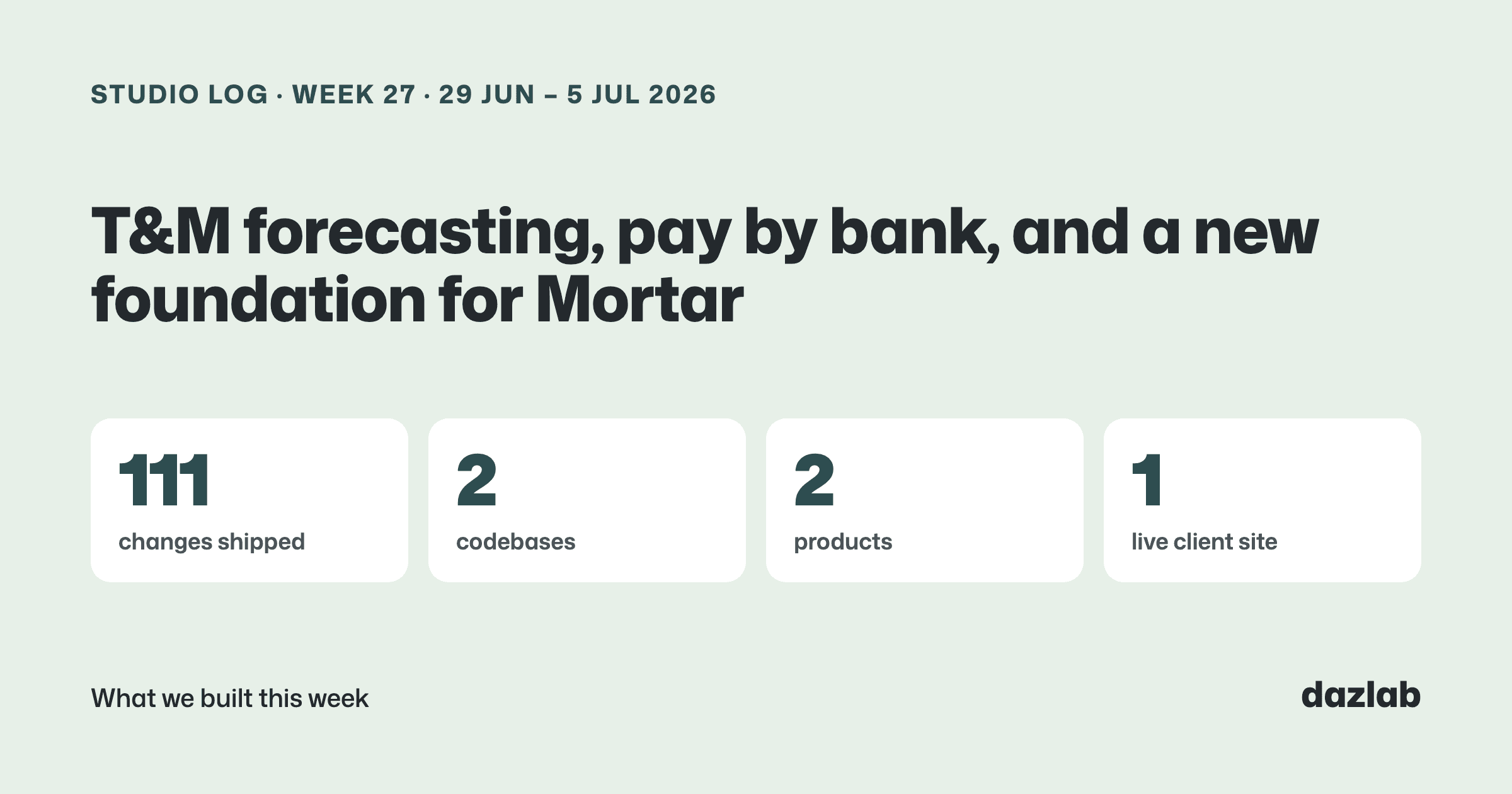
111 pull requests merged across 2 repos last week. Most of it was Handl, and most of Handl was about money... what's coming in, when, and how it gets to you. Here's the week.
Handl: a forecast for T&M work that follows the team
Forecasting a fixed-price project is pretty easy. You know the price, you know the milestones, you know roughly when you'll bill.
Time and materials is harder. The income depends on hours nobody has worked yet. So most tools either skip T&M in the forecast or ask you to type in a guess... and the guess is always optimistic.
This week Handl started projecting T&M work forward from the team's actual pace. It looks at how fast the hours are really going on each project and runs that forward into income, cost and margin. You'll see it in three places: the forecast page, the cash flow report and the dashboard.
The cost side matters as much as the income side. Team costs come from recent actuals rather than a plan, you get a margin-to-complete figure for each project, and the planned allocation shows as a curve so you can see where the hours are meant to go.
And if you use contractors on Upwork, you can now import their costs from a CSV and set where each team member's cost comes from. Nothing gets counted twice, so the margin you see is the margin you actually make.
Two more things landed on the cash flow report:
- Weighted pipeline. Pipeline deals are split by how likely they are to close, so a maybe doesn't look like money in the bank.
- What-if controls. Drag the assumptions and watch the runway move. Handy before you hire, or before you say yes to a big quote.
Also shipped in Handl this week:
- Pay by bank. Clients can pay invoices by PayTo and BECS in Australia, ACH in the US, and bank transfer in New Zealand. You choose which payment methods show, and in what order.
- Simpler, flatter fees. A flat 0.5% on card payments and 0.25% on bank payments, on every plan, on top of Stripe's own processing fees (current pricing). Handl records the actual Stripe fee on every transaction.
- A Payments page. Every payment, method, fee and payout in one place.
- One payment page. The client portal and the pay page are now the same thing: your branding, who's billing, the work behind the invoice, attachments, saved cards and partial payments.
- Retainers that invoice themselves. Opt in and each retainer cycle generates and sends its own invoice. Went over on a cycle? One click turns the overage into a draft invoice. Setting up recurring billing is also down to a two-step wizard.
- Client reminder cadences. Opt-in reminder sequences per project. You set the cadence per email type, see what's queued, and every message shows up in the project's Communications tab.
- Invoice emails, done properly. Invoices now send from a verified platform domain so they land in the inbox, with your logo in a branded layout. If a client replies to an invoice email, the reply is saved against the invoice.
- Set-aside reminders. Money hits your account and it's not all yours... GST, tax, profit. Set percentage envelopes and Handl reminds you to move the money each time you get paid. It's a reminder only. We never touch your funds.
- ClickUp integration. Connect it and link your lists to projects.
- Invoices grouped the way clients read them. T&M lines grouped by task category (Dev, QA, Design...) or by day, with categories you set per agency.
- Proposals on opportunities. Attach proposal documents to a pipeline opportunity from the app, the chat, Slack or your AI tool.
→ See how it works: cash flow · invoice automation · client portal → Free: invoice aging and chase tracker → Start a Handl trial
Mortar: starting the next version
Mortar got 25 changes this week, and none of them are in your hands yet. That's on purpose.
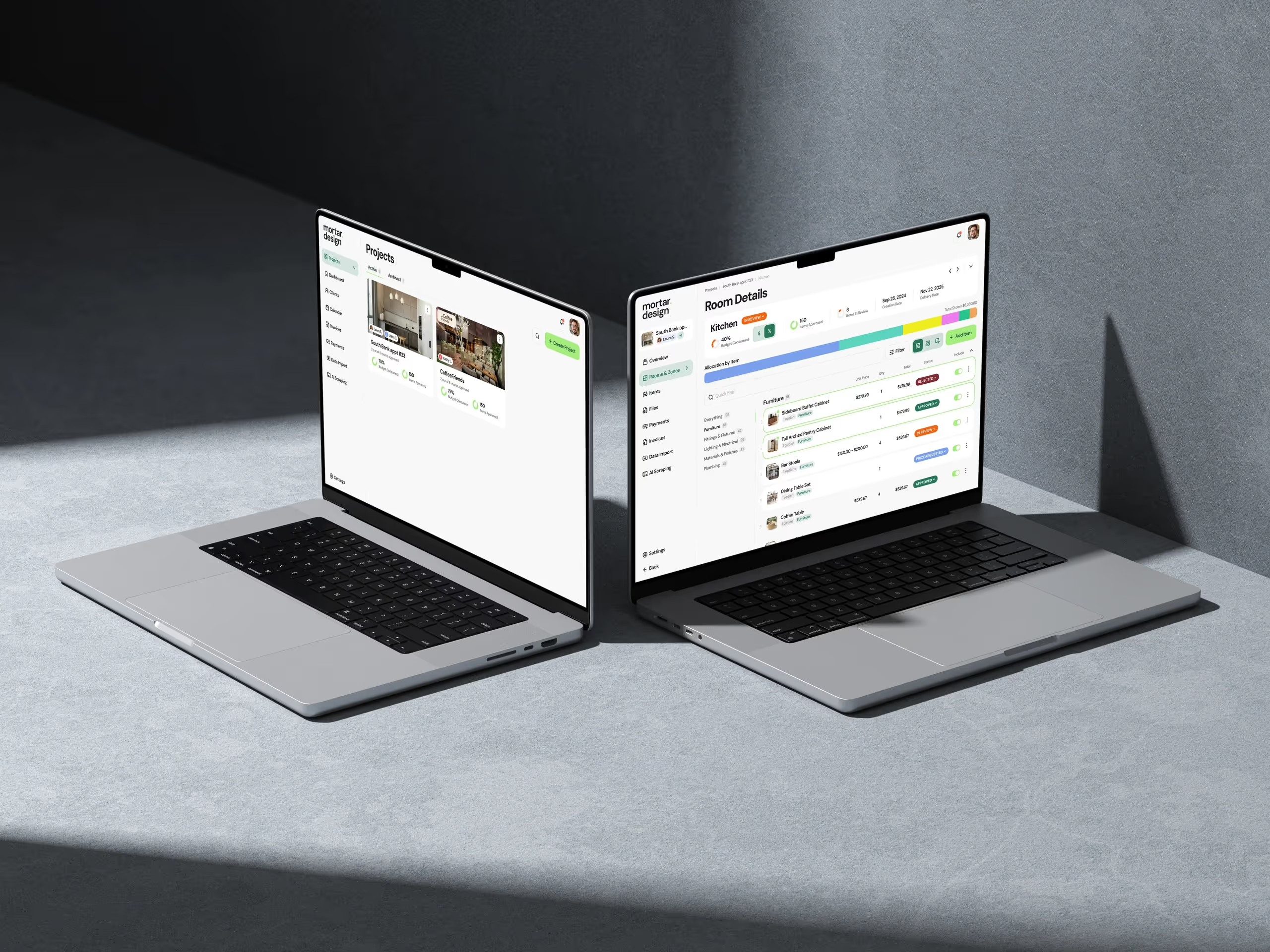
We've started building the next version of Mortar on a fresh foundation. It's the same idea (project and budget management for interior designers), with a stronger base underneath so we can move faster from here.
In one week the new build got:
- A design system. Shared components and design tokens straight from our Figma file, so every screen looks like it belongs to the same product.
- Projects, rooms and items, with the budget engine at the centre. Every item rolls up into its room, and every room into the project budget.
- A client portal, so clients can see their project without an email thread.
- Invoicing with Stripe Connect. Client payments go straight into the designer's own Stripe account.
- Paste-a-link product capture. Drop in a retailer link and Mortar pulls in the product details.
- An AI assistant you can chat with about your projects.
- Branded emails, with templates you can edit and reset.
- Settings, studio plans and onboarding.
It's a lot for one week. It's also not finished, and I'm not going to pretend it is. More when it's ready.
→ Budget tracking · client portal · billing and payments → Free: interior design budget template → Try Mortar free
One thing I learned
Anything that emails your client on your behalf should be opt-in.
We shipped two automations this week that talk to clients: retainer invoices that send themselves, and reminder cadences. Both would look better on a demo if they were switched on by default. Both are off until you turn them on.
Your client relationship is yours. The first time software sends something in your name that you didn't expect, you stop trusting it... and you switch the whole thing off. So we'd rather you turn it on, see exactly what's queued, and decide. Slower to adopt. Much easier to keep.
See you next week.
— Daz
 Consulting Inquiries