122 changes shipped across 2 codebases last week. Nearly all of it was the Handl app. Here's the week.
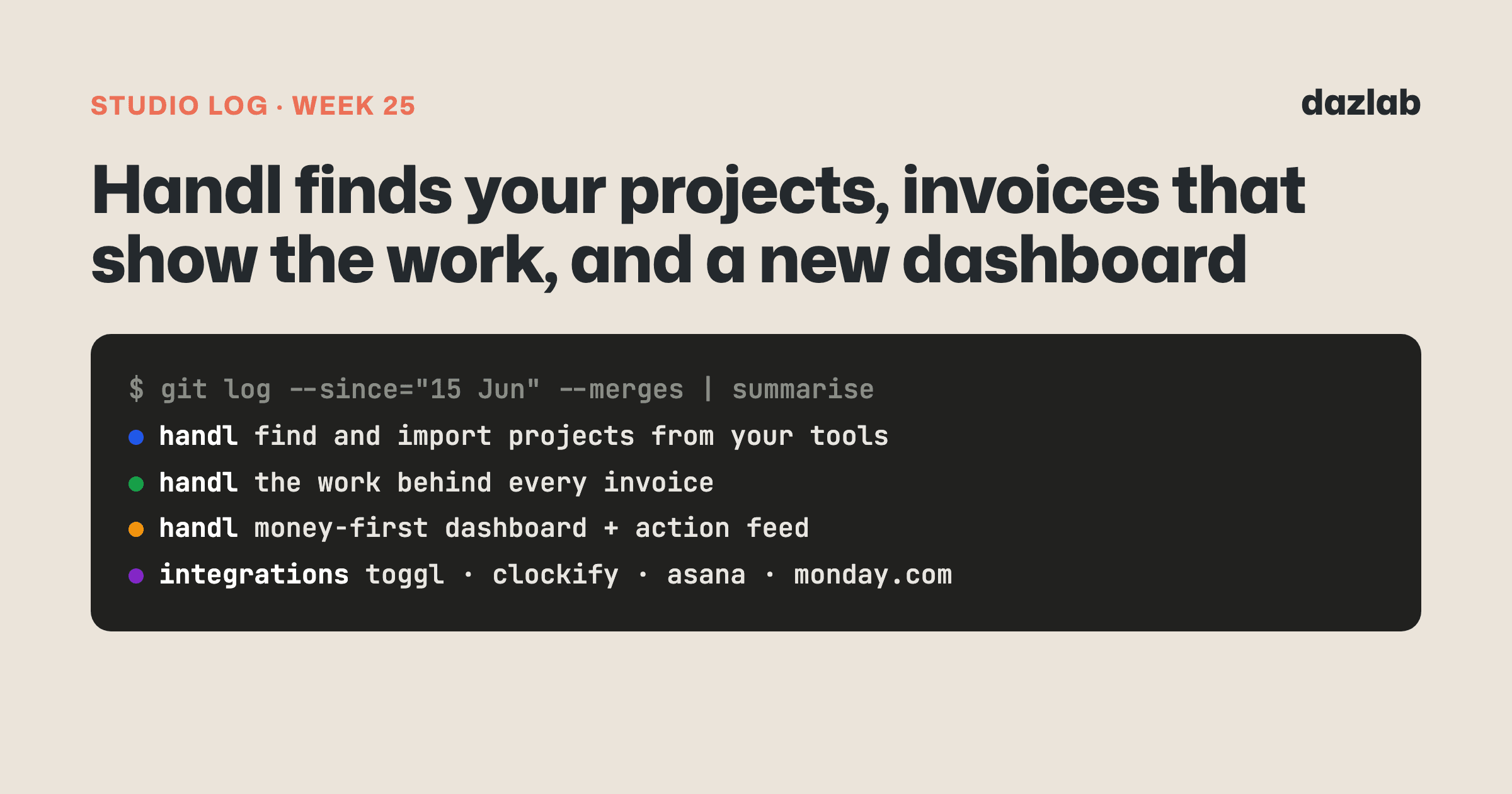
Handl: it finds your projects for you
Here's the first hour with most tools like Handl. You sign up, connect Jira or Harvest, and then... you sit there typing in every project you've already got. Names, clients, who's on it. The stuff your other tools already know.
So this week Handl started doing that bit for you.
Connect your timesheet and project tools and Handl scans them for projects you haven't set up yet. If the same project shows up in two places, say a Jira project and a Harvest project with the same name, it merges them into one. You can merge or split them yourself if it guesses wrong.
Pick the ones you want and Handl imports them with the lot:
- Both connections mapped, so time and tasks keep flowing in from then on.
- Time backfilled, so the hours already logged come across with it.
- Tasks pulled in, so the Tasks tab isn't empty on day one.
There's also an auto-import option. Turn it on and any new project with hours logged this week comes in on its own. Old, dormant projects stay out of the way. It's off until you switch it on... and either way, Handl sends you a short digest of anything new it's spotted, so nothing turns up without you knowing.
→ See how it works: integrations · cash flow → Free: invoice aging and chase tracker → Start a Handl trial
Handl: invoices that show the work behind them
"Can you break this down for me?"
Every agency owner has had that email. The client's looking at a number and wants to know what's in it. Then someone spends half an hour pulling a timesheet export into something presentable.
Now every invoice carries a snapshot of the work behind it: the hours, the tasks, who did what. It shows on the PDF, in the client portal and on the pay page. It's captured when you send the invoice, so what the client sees stays exactly as it was sent.
One toggle decides whether the client sees the detail. Some clients love it. Some would rather just see the total. It's your call per invoice, and it starts off.
Handl: a dashboard that starts with money
The dashboard got rebuilt around the question agency owners actually open it for... are we making money, and what needs me today?
- Six cards across the top. Cash received, outstanding and expected, ready to invoice, projected revenue, cost of hours and margin. Team members who can't see cost rates just see the first three.
- A smart action feed. Overdue invoices, milestones ready to bill, projects with no billing plan. Money things rank first, then the almost-money things, then project health. Dismiss what you've dealt with, with an undo if you change your mind.
- Revenue against cost, side by side, with trends against the previous period and a breakdown of income by project.
Also shipped in Handl this week:
- More tools to connect. Toggl and Clockify timesheets now sync into Handl, Asana brings in logged hours per task, and Monday.com joins the list, including project discovery.
- Paste a screenshot into the AI chat. A client's email, a spreadsheet, a page from a proposal. Paste it or attach it and the agent works with what it sees.
- A better Tasks tab. Tasks grouped into status buckets with colour-coded progress, the latest sprint shown by default, and the hours logged against each task.
- Time & Money upgrades. Rate margin, a currency toggle and weekly trend bars. Fixed-price projects get their own view that focuses on the budget, not billable hours.
- Billing set-up in one place. The Billing Plan editor moved into Project Settings, with recurring billing created and edited right there. You can also switch a project between internal and client from its settings.
- Invoicing touches. Default payment notes on new invoices, a prompt to send a fresh draft, and a Net 3 payment term for the clients who pay fast.
- Handl on your phone. A responsiveness pass across the app, so the dashboard, forms and drawers all work on a small screen.
- A smoother start. A more compact get-started checklist, integrations you can connect straight from onboarding, a sharper login screen, and image uploads up to 10MB.
→ See how it works: AI agent · invoice automation · client portal → Free: invoice aging and chase tracker → Start a Handl trial
Marketing, behind the scenes
- Alternatives pages on the new handl.works. Eight roundups of the tools agencies compare Handl with, plus a hub page to tie them together.
- Getting ready to switch sites. Every old URL now redirects to its new home, and there's a branded 404 for anything that slips through.
- One view of the journey. We moved product analytics to PostHog, on both the website and the app, so we can follow someone from the page they landed on to the features they end up using. It sits behind a cookie consent banner in both places.
One thing I learned
Don't ask people for things their other tools already know.
Every setup form is a small tax on a new customer. And the worst ones ask you to type in information that already exists somewhere else... in your PM tool, your timesheets, your calendar. It's work that feels pointless because it is.
Project discovery took a big chunk of the week. It would've been quicker to add a "bulk import from CSV" button and call it done. But then you'd still be doing the export, the tidy-up and the upload. The better question for any setup screen is "where does this information already live?"... and then go and get it.
See you next week.
— Daz
 Consulting Inquiries