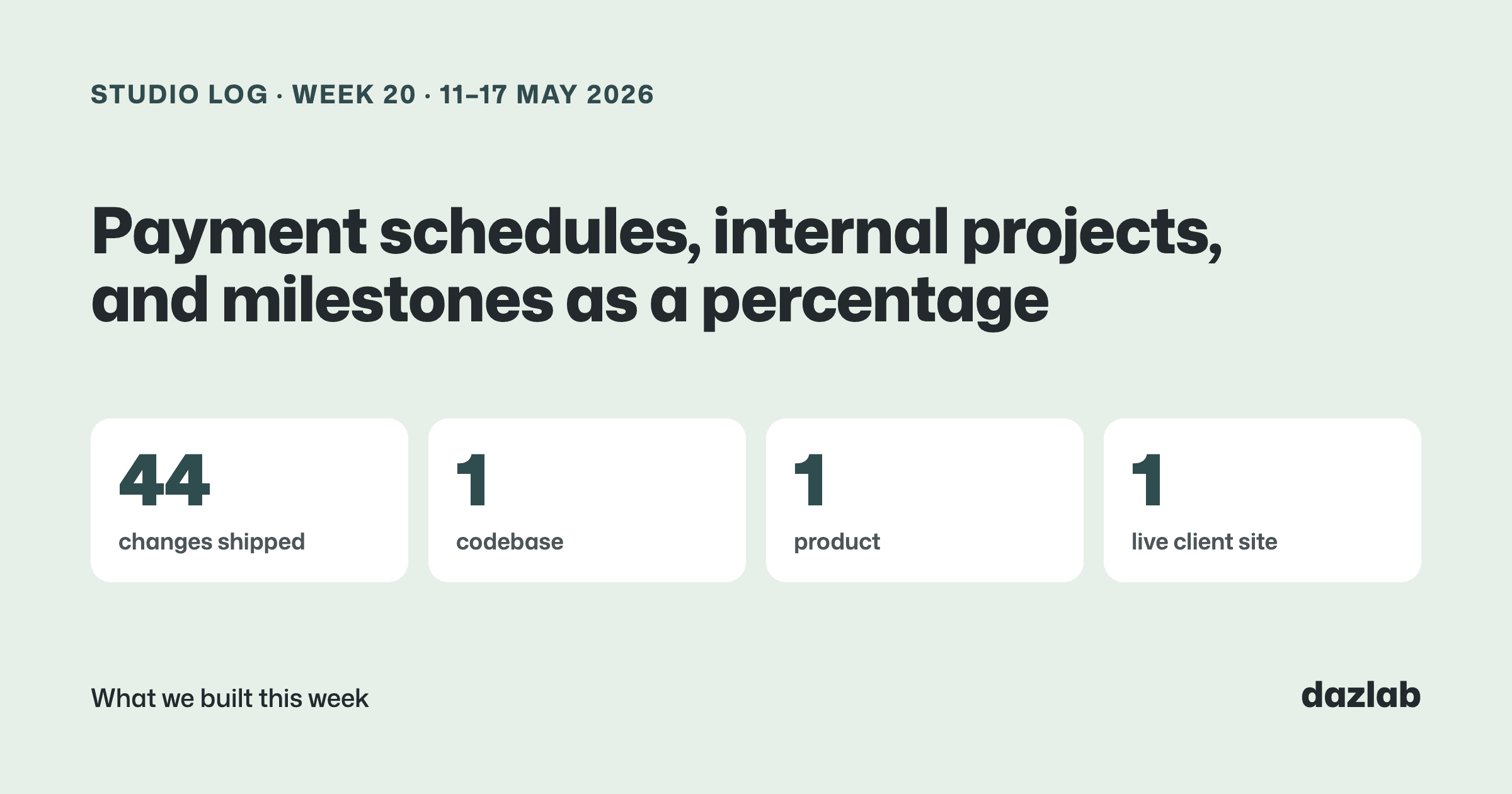
44 changes shipped across 1 codebase last week. All Handl again. Last week was about planning the work... this week was about getting paid for it.
Handl: payment schedules
Say you agree a deposit up front, a payment when design starts and the rest on launch. Totally normal deal. But the work itself is planned as discovery, design, build, QA, launch. Five milestones, three payments, and they don't line up.
Until now, Handl billed a milestone when it completed. Which works when the money and the work follow the same shape. A lot of the time they don't.
So billing now has its own plan. Every project gets a payment schedule, in its own section on the Invoices tab, separate from the milestones. Each payment has a label, an amount (a fixed figure or a percentage of the project), and a trigger:
- On a date. Handl checks every day and picks up anything that's due.
- When a milestone starts. Deposits for a phase, before the work begins.
- When a milestone completes. The classic.
- When the project starts. For the up-front bit.
- Manually. You decide when.
When a payment triggers, Handl raises it as a draft invoice and lets you know, by email and in the app. You still check it and send it. Nothing goes to your client on its own.
Existing projects carry on exactly as they were. Each milestone already has its matching "on completion" payment sitting in the schedule, so there's nothing to set up unless you want to change the shape.
Where the money shows up:
- On the roadmap. Milestones with a payment attached get a small $ badge, on the roadmap blocks and in the list, so you can see where the money lands against the work.
- In the cash-flow forecast. The forecast card now splits into two streams: what's already invoiced, and what's scheduled. The top number is the total you can plan around, and the split underneath tells you how much of it is already on an invoice.
- In the client portal. Your client sees the upcoming payments on their project, with the amount and roughly when to expect it ("when design starts", "on completion", or a date). It's the invoices they're going to get anyway... just without the surprise.
A few details that matter once real money's involved. Every change to a scheduled payment is logged, with an activity history you can open from the row. If two people edit the same payment at once, the second person gets told rather than quietly overwriting the first. And if you archive a project, any payments still pending on it are cancelled.
The AI agent can help too. Ask it what's scheduled on a project, or to add a payment or trigger one early. It doesn't just do it... it puts forward a request, and you approve it. Those requests live under a new name, AI Agent Requests, and that menu item only shows up once the agent has actually asked for something.
Also in Handl
Internal projects. Not everything an agency works on has a client. Your own website, admin, the product you're building on the side. When you set up a project you now choose Client or Internal. Internal projects skip the client and billing steps, their synced time comes in as non-billable, and they can't be invoiced. They get their own badge and filter on the projects list. The profitability report counts their time as cost, and the cash-flow forecast leaves them out, because no money's coming in from them.
Milestones as a percentage. When you add or edit a milestone, flip the $ / % toggle and enter it as a share of the project budget. Change the budget later and the milestone values move with it.
Currency up front. The project setup wizard now asks for the project's currency, and amounts show the right symbol as you type.
→ See how it works: cash flow · invoice automation · client portal → Free: invoice aging and chase tracker → Start a Handl trial
One thing I learned
How you get paid and how you do the work are two different plans.
For ages I treated them as one. Milestone done, invoice goes out. It's tidy, and it's easy to build. But it quietly forces agencies to shape their project plan around their payment terms, or their payment terms around the plan. Either way, one of them ends up being a bit of a fiction.
Keeping them separate, and linking them only where you want them linked, is more work for us. It means neither plan has to lie to make the other one fit.
See you next week.
— Daz
 Consulting Inquiries