49 changes shipped across 1 codebase last week. All Handl, and nearly all of it one feature... the roadmap.
It started with a stack of planning docs on Monday morning. Seventeen feature specs for the next phase of Handl, each one with the problem, the data it needs and how big it is. The roadmap was first off the list, and by Tuesday night it had been through about ten rounds of polish. Here's where it landed.
Handl: the milestone roadmap
Milestones in Handl have always been a list. Name, amount, dates, status. Which is fine until you want to know what actually happens in week six... or who's on it.
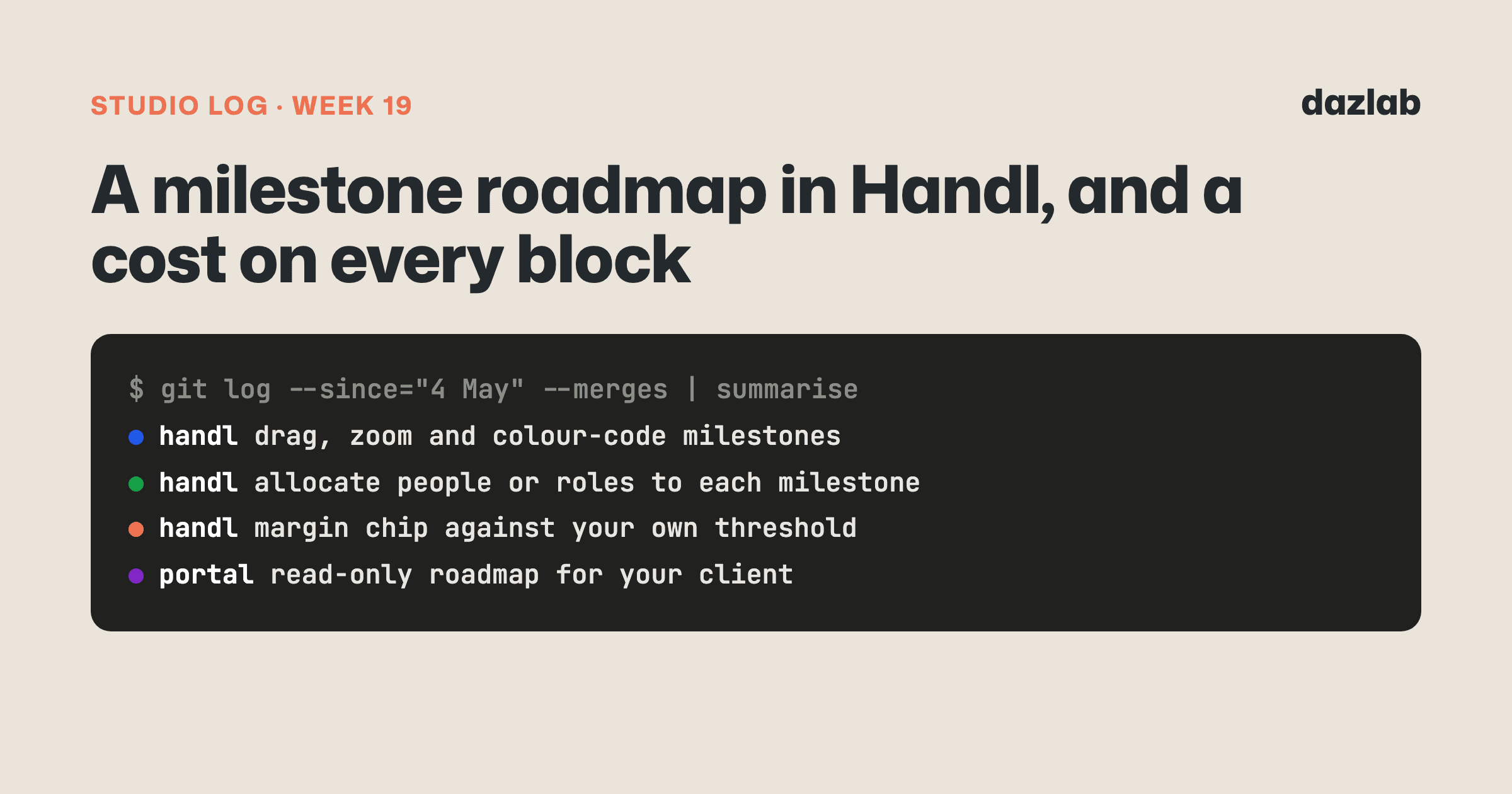
So every project now has a roadmap. Milestones sit as blocks on a timeline, and you can:
- Drag a block to move it, or drag its edges to change the dates. Click an empty spot to add a new milestone right there.
- Zoom from days out to years. Alternating bands mark each period, so you can tell where one month ends and the next starts without squinting.
- Jump to today. A Today button scrolls you there, and a "Today" marker sits on the line so you can see where you're up to at a glance.
- Colour-code and reorder. Pick a colour per milestone and drag them into whatever order makes sense to you.
- See the dates on the block. Wide enough blocks show their date range and length right there, no hovering needed.
The roadmap is now the default view on a project's Milestones tab. The list's still one click away if that's how you think.
Every block knows what it costs
This is the bit I actually care about.
A timeline on its own is a pretty picture. What makes it useful for an agency is knowing what each block is going to cost you to deliver.
So you can now allocate people to a milestone. Pick a team member, set the hours and the date range, and Handl picks up their cost rate. Don't know who'll do it yet? Allocate a role instead, like "designer", with its own cost rate and currency. Plan the work first, fill in the names later.
Then it rolls up:
- Each milestone shows its cost next to its value. The project header shows the total too... something like "6 milestones · value · cost" in one line.
- A margin chip that goes green, amber or red. You set your own margin warning threshold in settings, and the chip colours itself against it.
- Warnings, not walls. If a milestone drops below your threshold, Handl tells you. It doesn't stop you. Sometimes a thin milestone is a deliberate call, and that's yours to make.
Click any block and you get one editor for everything: details, dates with a proper calendar picker, allocations, a rich text description, and status actions to start, pause or complete it. Complete a milestone and Handl asks whether you want to raise the invoice for it, right there. There's a Create invoice button in the same place for when you don't want to wait.
It all happens where you're already looking. You don't have to go to a separate screen to add someone to the work.
Your client sees the timeline too
The milestones your client already sees in the portal can now be shown as a roadmap. It's read-only, and it never shows your costs or who's allocated... that stays on your side.
You choose how much of it they see per project: nothing, just names, status and dates, or all of that plus the amounts. Amounts stay hidden unless you turn them on.
→ See how it works: client portal · cash flow · invoice automation → Free: invoice aging and chase tracker → Start a Handl trial
One thing I learned
Put the cost where the plan is.
Nearly every agency I've seen has the plan in one tool and the budget in another. Someone pushes a milestone out two weeks, adds a senior dev for a sprint, and nobody finds out what that did to the margin until the project's nearly done.
The answer isn't a better report at the end. It's seeing the number move the moment you change the plan. Drag a block, add a person, watch the chip go amber. That's the whole idea behind this week... and it's the base for a lot of what's coming next in Handl.
See you next week.
— Daz
 Consulting Inquiries