I've shipped hundreds of features across dozens of SaaS products over the last 25 years. And here's what I've learned: most product teams audit their design backwards. They start with pixels and end with panic when users churn.

We've built everything from HR tech to interior design software at Dazlab.digital, and every successful product follows the same pattern. The ones that fail? They skip the unglamorous audit work and jump straight to "making it pretty."
This checklist comes from real product work — not theory. It's what we use when clients come to us with a SaaS product that's bleeding users, or when we're building something new and want to avoid the usual pitfalls. Consider it your insurance policy against shipping something nobody wants to use.
Start With Business Impact, Not Button Colors
Most design audits begin with a UI inventory. That's like checking your car's paint job when the engine won't start. We've learned to flip the script entirely.
The first thing we audit is business alignment. Does your onboarding flow actually support your pricing model? I once worked with a SaaS company spending thousands on ads, only to discover their free trial signup required a credit card — killing 73% of potential users at the door. No amount of beautiful buttons would fix that fundamental mismatch.

"The best designed feature is worthless if users never discover it. Start your audit where users start their journey."
The User Journey Audit Framework
After years of building vertical SaaS products, we've developed a framework that catches problems before they tank your metrics. It's not sexy, but it works.

First, map every single touchpoint from awareness to advocacy. Not just the happy path — include every error state, edge case, and abandonment point. When we built TaliCMS for digital agencies, we discovered users were abandoning the content editor not because it was complex, but because auto-save wasn't obvious. One simple indicator reduced support tickets by 60%.
Second, audit your information architecture through the lens of user mental models. We learned this the hard way with an HR tech product. Our elegant categorization made perfect sense to us but completely baffled recruiters who thought in terms of "pipeline stages," not our fancy "candidate journey phases." Three weeks of user research could have saved us three months of rework.
Third, examine your navigation patterns against actual usage data. Most SaaS products have a dirty secret: 80% of users touch maybe 20% of features. Yet navigation treats everything as equally important. We now design what we call "progressive disclosure navigation" — showing core features prominently while keeping advanced options accessible but not overwhelming.
Critical Journey Checkpoints
Your product design audit for SaaS should include these non-negotiables: signup friction analysis, first-value-delivery timing, feature discovery patterns, upgrade trigger placement, and support touchpoint optimization. Miss any of these, and you're flying blind.
We track time-to-first-value religiously. If users can't accomplish something meaningful in their first session, you've likely lost them forever. For one billing software client, we reduced this from 23 minutes to under 5 by redesigning the initial setup wizard. Revenue grew 40% in six months — from one focused design change.
The Technical Design Audit Nobody Talks About
Here's where most design audits fail: they ignore technical constraints until it's too late. We've seen beautiful designs die horrible deaths in development because nobody checked loading times, API limitations, or browser compatibility early.

Performance is a design decision. When we audit, we measure time-to-interactive on every critical screen. Anything over 3 seconds gets flagged as a design failure, not a technical one. Why? Because users don't care whose fault it is — they just leave.
We also audit for technical debt masquerading as design problems. That clunky workflow might not need a redesign — it might need a database optimization. We once "fixed" a complex multi-step process by simply implementing proper caching. Same design, 10x better experience.
State Management and Error Handling
Your SaaS lives or dies by how it handles edge cases. We audit every possible state: empty, loading, error, success, and partial. Most products handle happy paths well but completely fall apart when something goes wrong.
Error messages deserve their own audit category. Generic "Something went wrong" messages are design failures. Users need to know what happened, why, and what to do next. We maintain an error message library for every product we build — it's that important.
Don't forget offline states and sync conflicts. Modern SaaS users expect seamless experiences across devices. If your design doesn't account for spotty connections and conflicting edits, you're not building for the real world.
The Conversion Architecture Deep Dive
Conversion isn't just about landing pages — it's baked into every interaction. Your SaaS design audit checklist needs to examine the entire upgrade journey, not just the pricing page.

Audit your upgrade triggers throughout the product. The best time to suggest an upgrade isn't random — it's when users hit a limit that genuinely impacts their workflow. We built this into a project management tool: when users hit their project limit, we don't just block them. We show exactly which projects would benefit from premium features. Conversion rate jumped from 3% to 11%.
Payment flows need special attention. Every additional field in your upgrade flow costs conversions. We audit for unnecessary friction: required phone numbers, separate billing addresses, complex team setup flows. One client increased paid conversions 25% just by moving team invitation to post-purchase.
Retention Design Patterns
Acquisition gets the glory, but retention pays the bills. Your audit should examine every retention lever: feature adoption flows, success milestones, engagement loops, and win-back campaigns.
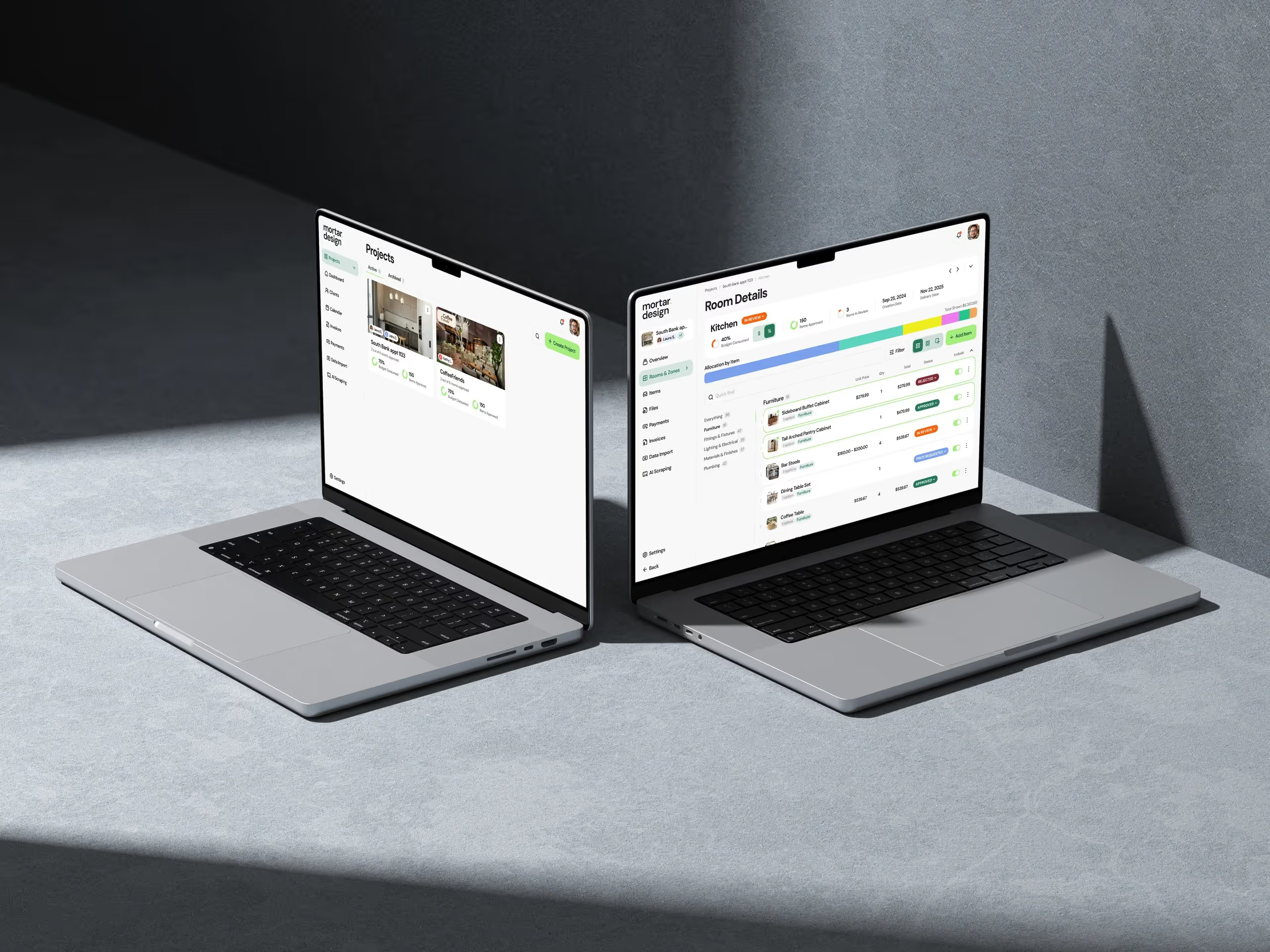
We look for "aha moments" — specific actions that correlate with long-term retention. For an interior design SaaS, it wasn't creating a project (everyone did that). It was inviting a client to view the project. Users who did this in week one had 3x higher retention. So we redesigned the entire onboarding to drive toward that moment.
Don't ignore offboarding in your audit. How users leave tells you why they're leaving. We design "exit interviews" into the cancellation flow — not to create friction, but to gather intelligence. One pattern we discovered: users weren't actually unhappy with the product. They just forgot it existed. A simple engagement campaign brought 20% back.
The 50+ Point Audit Checklist
Here's the framework we use at Dazlab.digital. It's comprehensive because half-measures don't ship great products.
Business Alignment (10 points)
✓ Pricing model matches user journey
✓ Feature access aligns with plan tiers
✓ Upgrade prompts appear at logical friction points
✓ Trial length matches product complexity
✓ Activation metrics clearly defined
✓ Success metrics visible to users
✓ Value proposition clear within 30 seconds
✓ Competitive differentiators highlighted
✓ Use cases match target user needs
✓ ROI calculable from user data
User Onboarding (12 points)
✓ Signup requires minimal fields
✓ Social proof visible during signup
✓ Progress indicators for multi-step flows
✓ Quick wins available immediately
✓ Personalization captures relevant context
✓ Skip options for experienced users
✓ Interactive tutorials over static tours
✓ First value delivery under 5 minutes
✓ Email verification doesn't block progress
✓ Import options for existing data
✓ Template library for quick starts
✓ Success celebration for first achievement
Navigation & Information Architecture (10 points)
✓ Primary actions accessible within 2 clicks
✓ Search handles partial matches and typos
✓ Breadcrumbs maintain context
✓ Menu structure matches mental models
✓ Mobile navigation doesn't hide critical features
✓ Shortcuts available for power users
✓ Recent items easily accessible
✓ Global actions consistently placed
✓ Settings organized logically
✓ Help accessible from every screen
Core Workflows (12 points)
✓ Primary tasks completable without training
✓ Multi-step processes show clear progress
✓ Undo available for destructive actions
✓ Bulk operations for efficiency
✓ Keyboard shortcuts for common actions
✓ Auto-save with clear indicators
✓ Collaborative features real-time
✓ Permission models match team structures
✓ Integration points seamless
✓ Export options preserve formatting
✓ Mobile workflows fully functional
✓ Offline capability for critical features
Performance & Technical (8 points)
✓ Page load under 3 seconds
✓ Time-to-interactive under 5 seconds
✓ Search results appear instantly
✓ File uploads show accurate progress
✓ Background tasks don't block UI
✓ Pagination handles large datasets
✓ Caching reduces redundant loads
✓ API errors handled gracefully
Conversion & Retention (10 points)
✓ Upgrade prompts contextually relevant
✓ Pricing transparent and justified
✓ Payment flow minimal friction
✓ Team billing options clear
✓ Downgrades preserve data
✓ Win-back campaigns targeted
✓ Success metrics celebrate progress
✓ Feature adoption tracked and encouraged
✓ Engagement loops drive return visits
✓ Cancellation captures feedback
Turning Audit Insights Into Action
An audit without action is just expensive procrastination. Here's how we prioritize fixes at Dazlab.digital.
First, calculate the impact-to-effort ratio for each issue. A confusing signup flow blocking 50% of users? That's a five-alarm fire. A rarely-used feature with poor UX? That can wait. We use a simple matrix: high impact + low effort = ship this week. High impact + high effort = plan for next sprint. Low impact items? They go in the backlog graveyard.
Second, fix the foundations before the flourishes. Your information architecture problems won't disappear with a fresh coat of paint. We've seen teams waste months on visual redesigns while ignoring fundamental workflow issues. One client spent $200K on a rebrand while their onboarding flow killed 70% of trials. Guess which problem actually mattered?
Third, measure everything. Before touching any design, establish baseline metrics. Time-to-task-completion, error rates, abandonment points — track it all. Then measure again after each change. We've been surprised more than once. A "obvious improvement" that actually made things worse. Data keeps you honest.
"The best design decisions come from watching real users struggle with your current design. Everything else is just opinion."
Running a comprehensive product design audit isn't glamorous work. It's spreadsheets and session recordings and arguments about button placement. But it's also the difference between a SaaS product that scales and one that stalls.
We've used this checklist to audit dozens of SaaS applications — from nascent HR tech to established real estate platforms. The patterns are remarkably consistent. Teams that commit to regular design audits ship better products, retain more users, and grow faster. Those that don't? They're usually our next clients.
Ready to audit your SaaS design but need expert eyes on the problem? Dazlab.digital specializes in building and growing niche SaaS products. We've been shipping software for 25 years, and we know what works. Let's talk about what your product really needs.
Frequently Asked Questions
How often should we conduct a product design audit for our SaaS?
Based on our experience at Dazlab.digital, you should run a comprehensive audit every 6-12 months, with mini-audits quarterly focusing on specific problem areas. We've found that products changing rapidly need more frequent audits, while mature products can extend the timeline. The key indicator is when your metrics start plateauing — that's your signal to audit.
What's the most critical part of a SaaS design audit checklist?
Business alignment and user onboarding are the foundations everything else builds on. If your pricing model doesn't match your user journey, or if users can't reach their first value moment quickly, nothing else matters. We've seen beautiful products fail because they ignored these fundamentals while obsessing over visual design.
How long does a thorough design audit typically take?
For a mid-sized SaaS product, expect 2-4 weeks for a comprehensive audit covering all 50+ checkpoints. You can run focused audits on specific areas (like onboarding or conversion) in 3-5 days. The time investment pays off — we've seen clients recover the audit cost in improved metrics within the first month of implementing fixes.
Should we audit our design internally or hire external expertise?
Both have merit. Internal teams know the product deeply but often have blind spots from familiarity. External auditors (like Dazlab.digital) bring fresh perspective and cross-industry insights but need onboarding time. We recommend starting internally with this checklist, then bringing in external expertise when you hit stubborn problems or need validation.
What metrics should we track to measure audit success?
Focus on business metrics, not vanity metrics. Track trial-to-paid conversion, time-to-first-value, feature adoption rates, and monthly active user growth. For each audit finding you address, establish a baseline and measure the change. We typically see 20-40% improvements in key metrics after implementing audit recommendations.
Related: measuring the ROI of your SaaS product design
Related: conducting user research for SaaS product design
Related: SaaS onboarding UX best practices
Dazlab is a Product Studio_
Our products come first. Consulting comes second. Whichever path you take, you’ll see how a small team can deliver outsized results.