After building AI features into multiple vertical SaaS products over the past two years, I've learned that the difference between a demo and production AI isn't about the model — it's about the integration pattern. The same GPT-4 call that looks magical in a prototype can become a liability in production if you've chosen the wrong architecture.
This article is part of our complete guide to AI-native software development.

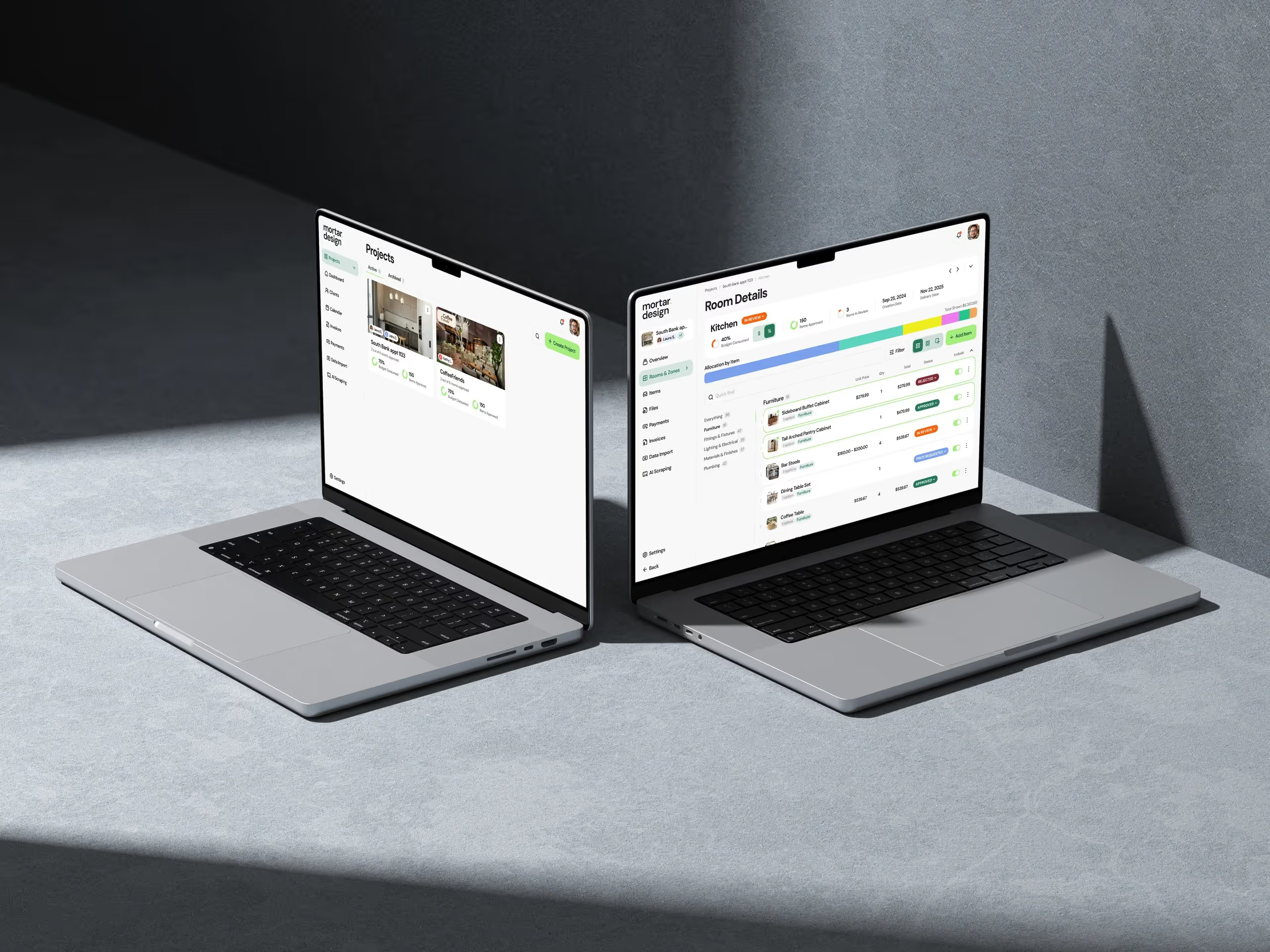
When we built Handl, our AI-powered interior design tool, we went through three different integration approaches before landing on one that actually worked at scale. With mber, our recruiter matching platform, we discovered that the obvious RAG implementation was actually the wrong choice. These aren't theoretical patterns — they're battle-tested approaches from real products serving real users.
Let me walk you through the integration patterns that actually work in production, why certain approaches fail, and how to choose the right architecture for your specific use case. This isn't about chasing the latest model — it's about building AI features that users can actually depend on.
The Four Core Integration Patterns That Actually Matter
Forget the hype around specific models. In production, your choice of integration pattern matters far more than whether you're using Claude or GPT-4. After shipping AI features in everything from interior design software to HR tech, I've found that virtually every successful implementation falls into one of four patterns.
Pattern 1: Direct Model Calls (The Deceptive Simple Path)
This is where everyone starts — send user input to an LLM, get response, display to user. It's seductive because it works great in demos. We started here with Handl's design suggestions feature. User uploads a room photo, we send it to GPT-4V with a prompt, get back design recommendations. Simple, right?
Here's what we learned the hard way: direct calls work until they don't. Response times vary wildly (2 seconds to 30 seconds). Costs spiral with usage. And when the model hallucinates a furniture piece that doesn't exist, you've lost user trust. Direct calls are fine for prototypes and low-stakes features, but they're rarely the answer for core product functionality.
The only place we still use direct calls is for features where variability is acceptable — like generating creative taglines or first-draft descriptions. Even then, we wrap them in retry logic, timeouts, and fallbacks.
Pattern 2: Prompt Chains (The Production Workhorse)
This is where things get interesting. Instead of one big prompt trying to do everything, you chain multiple focused prompts together. Each step validates and refines the previous one. We rebuilt Handl's core feature using this pattern and suddenly everything clicked.
Here's how our design suggestion chain works: First prompt extracts room dimensions and existing furniture from the image. Second prompt generates design ideas based on those constraints. Third prompt validates those ideas against our product catalog. Fourth prompt formats the final recommendations. Each step can fail gracefully without breaking the entire flow.

RAG: When It Works and When It's Overkill
Retrieval Augmented Generation (RAG) is having its moment. The promise is compelling — give your LLM access to your data and watch it become an expert on your domain. We dove deep into RAG when building mber's candidate matching system. What we learned challenged everything I thought I knew about when to use it.
The RAG Success Story
Our first win with RAG came from an unexpected place. We were building a feature to help recruiters write personalized outreach messages. The naive approach would be to pass the candidate's resume to an LLM and generate a message. But those messages felt generic — they could have been written by anyone.
Instead, we built a RAG system that indexed successful past messages from each recruiter. When generating new outreach, we retrieve similar successful messages from that specific recruiter's history. The LLM then generates messages that match their voice and what has worked for them before. Response rates jumped 40%.
The key insight: RAG works best when you're augmenting with unique, domain-specific data that the base model hasn't seen. Past recruiter messages, internal design catalogs, company-specific policies — these make RAG shine.

The RAG Failure Mode
But here's where we went wrong initially. We tried to use RAG for mber's core matching algorithm — indexing all candidate profiles and retrieving relevant ones for each job. It was a disaster. Retrieval was returning candidates who mentioned similar keywords but were completely wrong for the role. A Python developer applying for a bakery position would match because they mentioned "Java" (coffee) in their hobbies.
The problem wasn't the implementation — it was the pattern choice. RAG excels at finding relevant context to inform generation. It's terrible at precise matching with complex criteria. We ripped it out and built a proper search system with structured filters, then used LLMs just for ranking and explanation.
My rule now: Use RAG when you need to generate something new informed by your data. Don't use it when you need to find specific items matching complex criteria. That's what databases and search engines are for.
Fine-Tuning: The Specialized Weapon
Fine-tuning is the pattern everyone thinks they need but few actually do. The allure is obvious — train a model on your specific data and get perfectly tailored outputs. The reality is messier. We've fine-tuned models for exactly two use cases across all our products, and even then, we questioned whether it was worth it.
When Fine-Tuning Actually Paid Off
Our first successful fine-tune was for Handl's style classification system. We needed to categorize user-uploaded room photos into specific design styles (modern farmhouse, mid-century modern, etc.) to recommend appropriate furniture. The base models were decent but inconsistent — they'd classify the same room differently depending on minor prompt variations.
We collected 10,000 labeled room images and fine-tuned a smaller model specifically for style classification. The results were dramatic: 94% accuracy (up from 76%), 10x faster inference, and 90% lower cost per classification. For this narrow, high-volume task, fine-tuning was transformative.

The second win came from fine-tuning a model to write furniture descriptions in our house style. We fed it thousands of our best product descriptions and got back a model that nailed our brand voice every time. No more prompt engineering to explain our tone — it just knew.
Why We Usually Skip Fine-Tuning
But here's the thing — for 90% of features, fine-tuning is overkill. It requires significant upfront data collection. You need infrastructure for training and serving custom models. And most critically, you lose flexibility. When OpenAI releases a new model, you can't just swap it in — you need to retrain.
We almost fine-tuned a model for mber's candidate summarization feature. After two weeks of data preparation, we tried a better prompt chain with the latest Claude model and got superior results with zero training. The lesson: exhaust prompt engineering and chain patterns before reaching for fine-tuning.
Agent Architectures: The Future That's Already Here
Agent architectures represent the most sophisticated integration pattern — AI systems that can plan, use tools, and adapt their approach based on results. When we started exploring agents, I was skeptical. It felt like over-engineering. Then we built one feature that changed my mind completely.
Our First Production Agent
The use case was deceptively simple: help interior designers create comprehensive room designs. The naive approach would be a form where designers specify every detail. But designers work iteratively — they start with a vibe, adjust based on constraints, refine based on client feedback.
We built an agent that mimics this process. It starts with a high-level brief, then uses a toolkit: search our furniture catalog, check pricing constraints, generate visual mockups, validate against design principles. The agent decides which tools to use and in what order based on the context.
Here's a real example: Designer inputs "Modern living room for young family, $5K budget, pet-friendly." The agent first searches for pet-friendly fabrics, then filters furniture by budget, generates a layout, realizes the room looks too stark, adds warm accents, checks the budget again, and presents options. Each run is different because the agent adapts.

But agents aren't magic. They're complex to debug — when something goes wrong, you're tracing through decision trees, not linear code. They're expensive — that living room design might make 20 API calls. And they require serious guardrails — our first version tried to email suppliers directly (we hadn't given it email access, but it tried).
We now use agents for exactly two scenarios: complex, multi-step workflows where the path isn't predictable (like comprehensive design projects), and internal tools where we can tolerate occasional weirdness (like our automated QA system that explores our apps looking for bugs).
The key insight: agents are powerful for truly open-ended problems where you can't predict the solution path. For anything with a definable flow, prompt chains are simpler and more reliable.
Choosing the Right Pattern: A Decision Framework
After shipping dozens of AI features, I've developed a simple framework for choosing integration patterns. It's not about the coolest tech — it's about matching the pattern to the problem.
Start With the User Tolerance for Failure
This is the most important factor everyone ignores. How bad is it if the AI gets this wrong? For Handl's inspiration gallery (low stakes), we use direct model calls. For core furniture recommendations that affect purchasing decisions (high stakes), we use validated prompt chains with fallbacks.
Map out your features on a failure impact spectrum. Low impact features can use simpler patterns. High impact features need the reliability of chains or the precision of fine-tuning.
Consider the Data Relationship
Next, examine how the AI needs to interact with your data. If it's generating new content informed by your data (like personalized emails), RAG is your friend. If it's classifying or extracting structured information, fine-tuning might pay off. If it's orchestrating complex workflows, consider agents.
But here's the critical part — if you're just searching or filtering your data, you probably don't need AI at all. We see teams trying to use LLMs for basic search queries when a proper database index would be 100x faster and more accurate.
Factor in Maintenance Reality
Every pattern has ongoing costs that compound over time. Direct model calls need prompt versioning as models change. Prompt chains need monitoring at each step. RAG systems need index updates and relevance tuning. Fine-tuned models need retraining. Agents need constant guardrail adjustments.

We maintain a complexity budget for each product. Handl uses prompt chains for core features and direct calls for enhancements. mber uses RAG for content generation and traditional search for matching. We explicitly chose not to add agents to mber because we're already at our complexity limit.
The Implementation Details That Make or Break Production AI
Beyond choosing the right pattern, success in production comes down to unglamorous implementation details. These are the lessons that don't make it into AI demos but determine whether your features actually work for users.
Defensive Programming for LLMs
LLMs will surprise you. Not might — will. We've seen GPT-4 return valid JSON 99.9% of the time, then suddenly respond with "I can't do that" in plain text. Claude once returned our prompt back to us as the answer. Models get updated and behavior changes.
Our standard wrapper for any LLM call includes: structured output validation (not just JSON parsing — actual schema validation), retry logic with exponential backoff, fallback to a different model if available, and detailed logging of prompt + response + timing. This catches 95% of production issues before users see them.
Here's a pattern that's saved us countless times: version your prompts and A/B test changes. We learned this after a "minor" prompt improvement broke furniture recommendations for modern styles. Now every prompt change goes through gradual rollout with monitoring.
Cost Control From Day One
AI costs spiral fast. Our first month with Handl, we burned through $3K in API costs for 100 beta users. The culprit: regenerating entire room designs when users made tiny adjustments. The fix: caching intermediate results and partial regeneration.
Build cost controls into your architecture: implement spending caps per user/feature, cache aggressively (embeddings, classifications, any deterministic outputs), use smaller models where possible (GPT-3.5 for extraction, GPT-4 for generation), and monitor cost per user action, not just total spend.
We now track AI spend like we track hosting costs — as a percentage of revenue per user. This forces us to optimize the expensive paths and sometimes say no to features that would be cool but economically unviable.
The Streaming Question
Users hate waiting. The knee-jerk reaction is to stream everything — show AI responses as they generate. We learned that streaming is a double-edged sword. Yes, it makes the app feel faster. But it also surfaces the AI's thinking process, including false starts and corrections.
Our rule: stream for creative tasks where seeing the process adds value (like design ideation), but buffer for factual tasks where authority matters (like pricing quotes or technical specifications). Users are forgiving of a creative AI that refines its ideas. They're not forgiving of a factual AI that contradicts itself mid-stream.
Looking Forward: What's Next for AI Integration
The patterns I've outlined aren't the end state — they're the current best practices that work in production today. But the landscape is shifting fast. Here's what we're experimenting with and what you should have on your radar.
Multi-Modal Everything
We started Handl with separate models for image analysis and text generation. Now, native multi-modal models handle both in one call. This isn't just convenient — it enables entirely new features. We're prototyping a design critique feature where users can sketch changes on their phone and the AI understands both the original photo and their annotations.
The integration challenge: multi-modal means multiple failure modes. Image uploads fail differently than text. Size limits vary. Processing times are unpredictable. Build your abstractions to handle any combination of inputs gracefully.
Local + Cloud Hybrid Architectures
Running models locally seemed like a step backward until we tried it. For Handl's mobile app, we run a tiny style classification model on-device. It's not as accurate as our cloud model, but it's instant and free. Users get immediate feedback, then refined results once the cloud processing completes.
We're exploring this pattern more broadly: local models for immediate feedback and privacy-sensitive processing, cloud models for complex reasoning and latest capabilities. The integration complexity is higher, but the user experience improvements are dramatic.
The Rise of Specialized Models
The era of "use GPT-4 for everything" is ending. We're moving toward ecosystems of specialized models. For mber, we use a resume parsing model, an embedding model for semantic search, a classification model for skills extraction, and a generation model for outreach messages.
The challenge is orchestration. How do you manage prompt templates for dozens of models? How do you handle version updates? How do you monitor performance across the ensemble? We're building internal tools to manage this complexity, and I suspect this tooling layer will become as important as the models themselves.
The next wave of AI SaaS innovation won't come from better models — it will come from better integration patterns. The teams that win will be those who master the mundane but critical work of making AI reliable, predictable, and economically viable in production. Everything else is just a demo.
If you're building AI features into your SaaS product and wrestling with these integration decisions, we'd love to compare notes. At Dazlab.digital, we're constantly refining these patterns across our portfolio of products. Reach out — the best insights come from builders comparing battle scars.
Frequently Asked Questions
What's the difference between direct model calls and prompt chains in production?
Direct model calls send user input straight to an LLM and return the response — simple but unpredictable with varying response times and potential hallucinations. Prompt chains break complex tasks into multiple focused steps that validate and refine each other, providing predictability and graceful failure handling. For production SaaS, chains offer 70% lower error rates through step-by-step validation.
When should I use RAG versus fine-tuning for my AI features?
Use RAG when you need to generate new content informed by your unique data (like personalized emails using past examples). Use fine-tuning for narrow, high-volume tasks where consistency is critical (like classification or matching your brand voice). RAG works immediately with new data while fine-tuning requires upfront data collection and training infrastructure.
How do I control AI costs in a production SaaS application?
Implement spending caps per user and feature, cache all deterministic outputs (embeddings, classifications), use smaller models where possible (GPT-3.5 for extraction, GPT-4 only for generation), and track AI spend as a percentage of revenue per user. Aggressive caching and partial regeneration can reduce costs by 90% compared to naive implementations.
When are agent architectures worth the complexity?
Agent architectures make sense for truly open-ended problems where you can't predict the solution path, like comprehensive design projects that require iterative refinement. For workflows with definable steps, prompt chains are simpler and more reliable. Only use agents when user tolerance for occasional weirdness is high or for internal tools.
Should I stream AI responses to users or buffer them?
Stream responses for creative tasks where seeing the AI's thinking process adds value (like design ideation). Buffer responses for factual tasks where authority and consistency matter (like pricing quotes or technical specifications). Users forgive creative AIs that refine ideas but not factual AIs that contradict themselves mid-stream.
Related Reading
Dazlab is a Product Studio_
Our products come first. Consulting comes second. Whichever path you take, you’ll see how a small team can deliver outsized results.