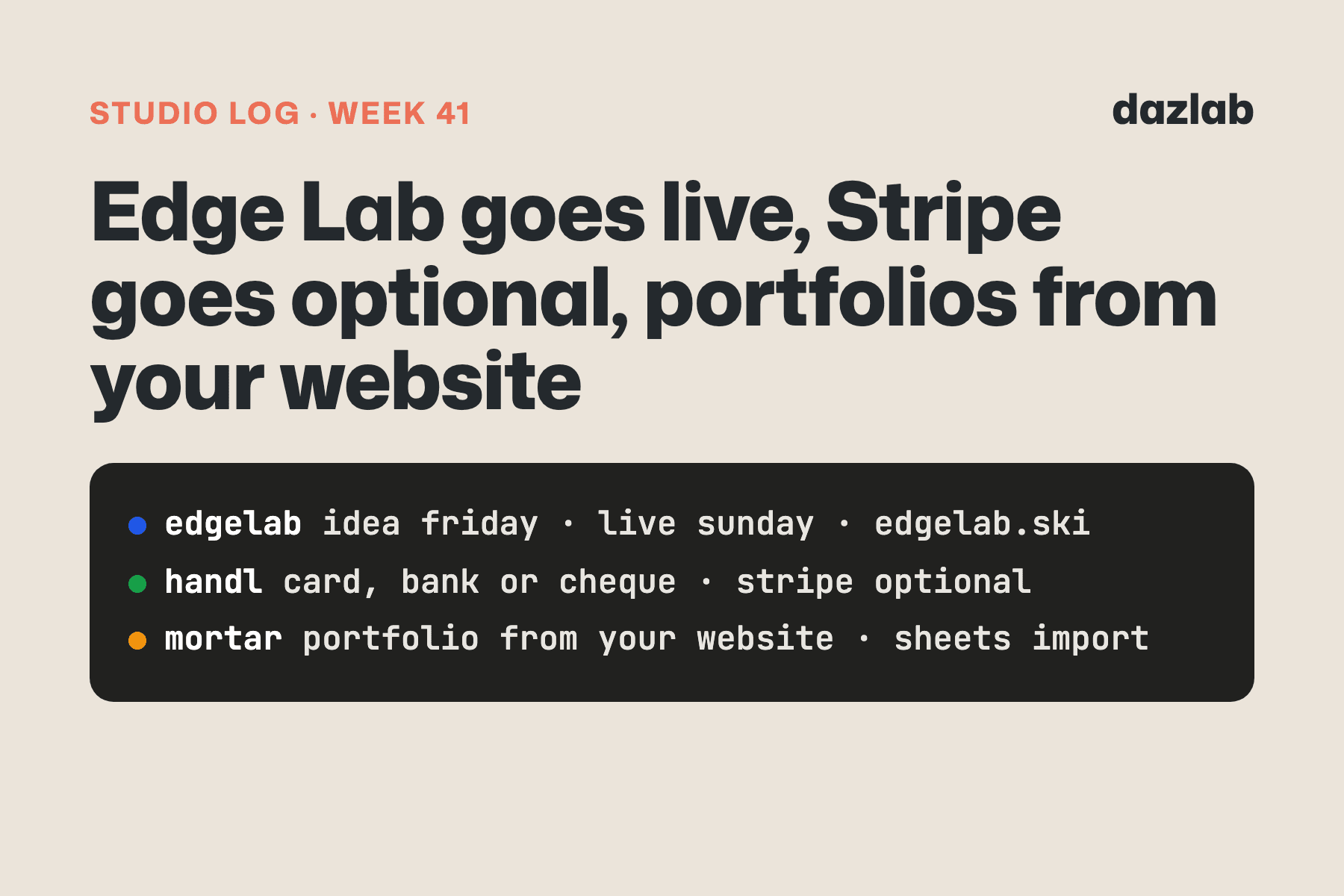
163 pull requests merged across our live projects last week. A big chunk of that was Mortar's next round of features, which aren't switched on yet... so this week's post is mostly about the stuff you can use today. Here's the week.
Mortar: Xero and QuickBooks sync is live
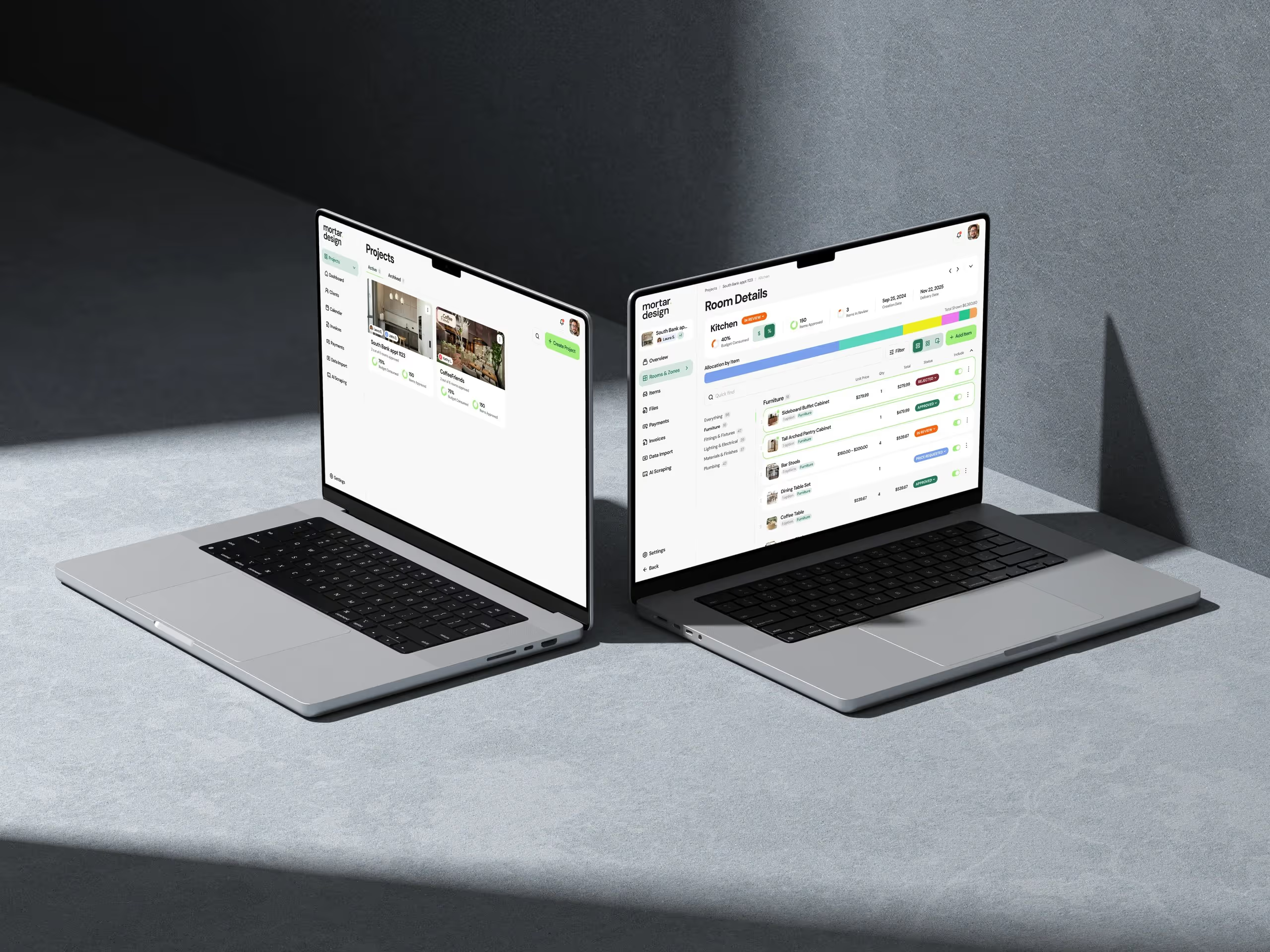
Last week I said we'd built Mortar's accounting sync and it was waiting on app store review. It's through. Mortar now connects to Xero and QuickBooks Online.
This one matters because of how studios actually run. Mortar is where the project lives: the selections, the budget, the orders, the invoices. But the books live with the accountant, and the accountant isn't moving to a design tool. Nor should they. So until now, someone in the studio was re-typing every invoice into Xero at the end of the month.
Now it goes across by itself:
- Invoices push when you send them, and edits and voids follow, so the books always match what the client got.
- Payments go both ways. A client pays by card in the portal, or you record a bank transfer in Mortar, and the payment lands in your books against the right invoice. Record it in Xero or QuickBooks instead and Mortar picks it up, so the invoice shows as paid in both places.
- Purchase orders go across as bills, and the supplier payments you record against them become bill payments. That's the half most tools skip... money out, not just money in.
You connect once, map your clients the first time, and you can push the invoices you already have too. Then you stop thinking about it.
Free portfolio pages. The other thing that went live this week. Any Mortar studio can turn a finished project into a public case-study page: the photos, the story, and the products you specified, with no prices shown. It's free, with an enquiry form that sends enquiries straight to you. No lead fees, no ads on your page. Published studios get listed in the new designer directory, and once your profile is verified, the link back to your own website is a real, followed link.
Smaller things:
- The project sidebar is grouped by phase. Design, then Procure, then Bill, in the order the work actually happens.
- The Overview opens on the budget again, with Pinterest, Save to Mortar and your quote inbox address tucked into one Sources card.
- Invite your client or a team member straight from the project header.
- Every drawer, filter and portal view has its own link, so refresh and Back put you where you were.
Coming soon: importing the messy spreadsheet you already have, grouped items (one vanity, five parts ordered separately) and approved substitutes. The groundwork merged this week. More when it's switched on.
→ Invoicing and payments · procurement · free portfolio page → Free: interior design budget template → Try Mortar free for 7 days · current pricing
Handl: tax set aside before it's due
A couple of weeks ago Handl started headlining the GST you've collected. This week it goes one step further.
Handl now adds the tax for each filing period to your Commitments automatically. The amount is the tax you've collected for that period, net of what you can claim back. The due date follows the standard lodgement dates for your country, and the tax card on the dashboard now leads with the period you're about to pay. So the tax bill sits in your cash flow forecast weeks before it lands, next to rent and payroll, instead of turning up as a surprise.
A few details:
- Bi-monthly and six-monthly filing periods are in, alongside monthly and quarterly. New Zealand and Ireland default to bi-monthly.
- Your edits win. Change the amount or the date and Handl keeps your version.
- Mark it paid and the card stops telling you to pay it.
This one is on by default, which is the opposite of how we usually ship money settings. Here's why. It doesn't send anything, charge anything or contact anyone. It's a planning line in your own forecast, built from numbers Handl already shows you. If you'd rather not have it, it's one switch in Settings, and the open rows tidy themselves away.
Also shipped in Handl this week:
- Every screen has its own link. Invoices, drawers, dialogs, report filters, the client portal... refresh or hit Back and you're exactly where you were. Send a teammate the link and they land on the same thing.
- Smoother accounting setup. You can create a client as a QuickBooks customer or Xero contact straight from the mapping step. If a sync needs your attention, the message is in plain English with a Retry button and a setup guide.
- A new sign-up and setup flow. Four steps, with a live preview of your invoice as you fill in your agency details.
- Toggl users map themselves by email, and time removed in your timesheet tool drops out of billing too.
→ See how it works: cash flow · integrations · invoice automation → Free: invoice aging and chase tracker → Start a Handl trial
Client work
Texas REALTORS® — association staff can now give team members editor access in the CMS, with admin-only actions greyed out so nobody wonders why a button doesn't do anything. On the members site, multi-day events now show on every day they run in the calendar, and staff can set the time zone on events they add by hand. Live preview got better on both sites too: editors see their draft on the real page before it's published.
Real Estate Jobs Australia — job ads now show the workplace type (on-site, hybrid or remote), and employers can set it on each ad. Agency logos now show at their natural shape, and agency profiles have a tidier phone layout, with the buttons on screen and the About section stacked.
If you need something like this built for your industry, this is what we do.
Marketing, behind the scenes
- handl.works has a new homepage. "Invoices that build themselves." It's built around how Handl actually runs: work comes in from your PM and timesheet tools, the invoice drafts itself, and the payment comes back to Xero or QuickBooks.
- mortar.design got a How it works page. It walks through a project step by step, from setting it up to getting paid. The features hub got a new headline to match.
- The portfolio pages have a home on mortar.design, plus a designer directory that'll fill up as studios publish.
- We're tracking what the AI assistants say about us. A regular check asks ChatGPT and friends about our categories and logs whether Handl and Mortar come up, and who comes up instead. The first run already added a few competitors to Handl's list.
One thing I learned
If you're going to give something away, give away the part that's actually useful.
The first plan for Mortar's portfolios was free pages, with the enquiry form on paid. It looked sensible. But a portfolio page without a way to get in touch is just a nice gallery... and a designer only puts their work in public because they want the phone to ring. Hold that back and the free tier is a demo of a feature, not a feature.
So the enquiry form is free, and every enquiry goes to the designer. Paid gets more room. We'll see whether more studios publish because of it.
See you next week.
— Daz
 Consulting Inquiries