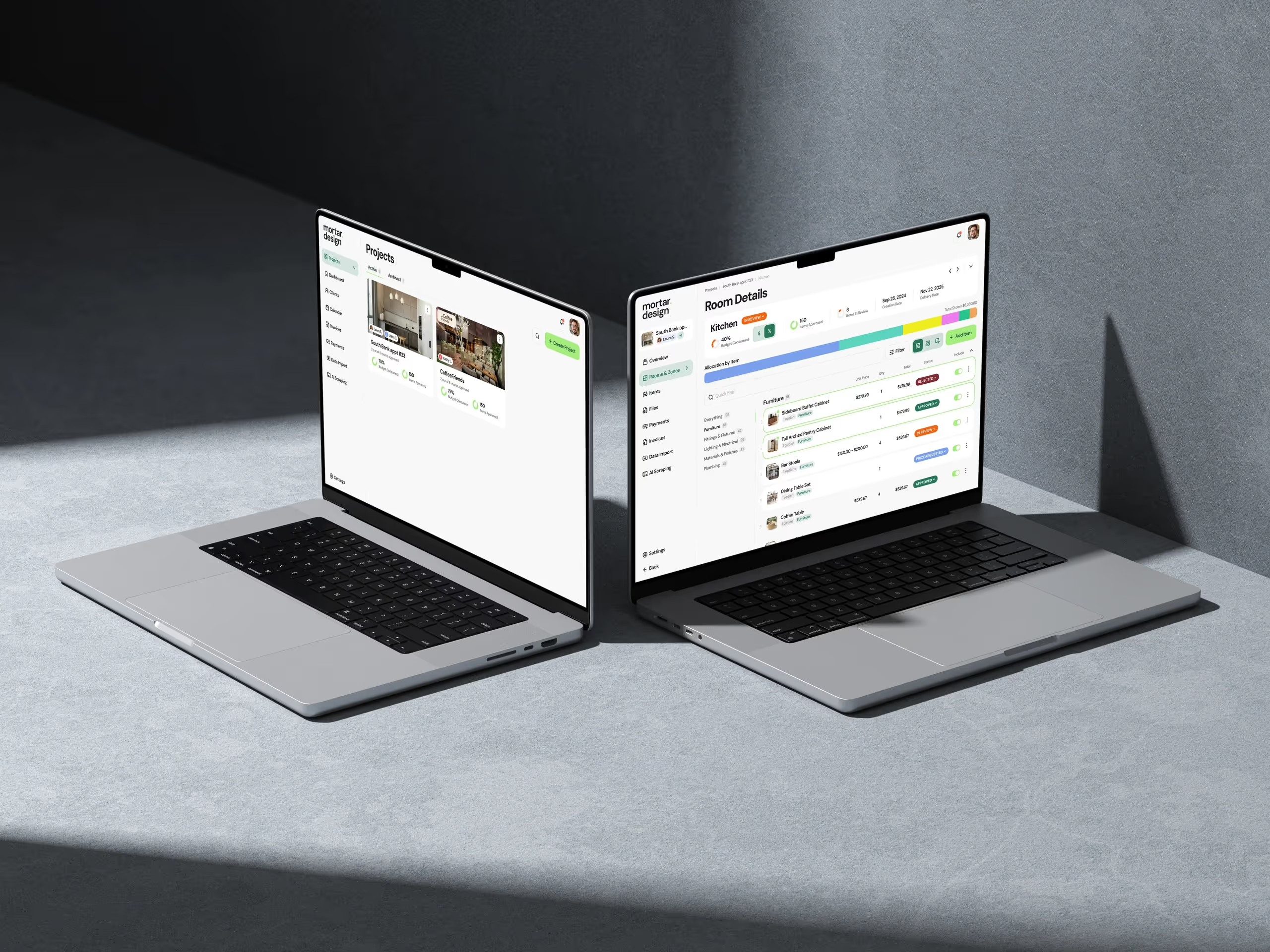
Association staff need a CMS that lets them publish without a developer: pages built from ready-styled blocks, scheduled alert banners, a place for short member notices, a way to embed third-party widgets, traffic numbers inside the admin, self-serve password resets and a draft-and-preview step for sign-off. Everything else is detail. If routine changes still need a ticket to the vendor, the site will drift out of date within a year.
We build and run association sites on TaliCMS for Texas REALTORS®, Columbus REALTORS® and the Abilene Association of REALTORS®. Most of what's in this post was built because a staff member was waiting on us for something, and we decided they shouldn't have to.
The test we use: what are they waiting on us for?
We have one test for association work. Not "what can we build for them?", but a different question. What is the association team waiting on us for, and can they do it themselves?
Every item below came out of that question. Each one is small. Together they're the difference between a site the communications team runs and a site they put up with.
1. Publishing without a developer
Pages on TaliCMS are built from blocks: a hero, a block of text, text with an image, a list of upcoming events, a grid of documents, a set of FAQs. Staff stack them in whatever order they need.
The blocks are already styled to the association's brand. That's a deliberate constraint. A page someone builds in a few minutes looks like a page a designer built, and nobody can accidentally publish something off-brand.
What to check in a demo: ask the vendor to build a new page in front of you, from nothing, using only the admin. Then ask them to move a section, change the menu and undo it.
2. Scheduled alert banners
Associations need to say "heads up" without redesigning a page. The office is closed for a holiday. An event has moved. A deadline is this Friday.
At Columbus REALTORS® we built alert banners into the CMS. Staff write a short message (160 characters at most, so it stays a banner and not an essay), choose when it starts and stops, and pick where it shows: the homepage, the events page or both. There's a members-only option and a switch to hide a banner without deleting it.
The start and end times are the part that matters. Set it up on Monday for a closure next week and it appears and disappears on its own. Nobody has to remember to take it down.
3. Member notices
Associations publish a lot of short items that aren't really news: a reminder, a rule change, a quick update from a committee. Squeezing them into the news section buries the news.
At Columbus REALTORS® these are E-Notes, a content type for short member notices with a publication date and an expiry date. Staff drop an E-Notes list onto any page, as a list or a grid, filtered by category if they like.
Worth knowing: E-Notes are content on the site, not emails. If you need a notice to land in members' inboxes, that's a separate tool, and a vendor should be clear about which one you're buying.
4. Embeds staff can add themselves
Every association ends up wanting a third-party widget on a page: a commercial property search, a registration form, a video, a map.
Without a way to do that in the CMS, each new widget is an email to the vendor, a ticket and a deploy. At Columbus REALTORS® we added an HTML embed block so the team can paste a snippet and place it on a page themselves.
There's a privacy side to this that's easy to miss. Embedded widgets often set their own cookies. On the Texas REALTORS® and Abilene sites, embedded content waits for cookie consent, so a widget staff add next year follows the same rules as everything else.
5. Analytics inside the CMS
The question staff get asked most is some version of "did anyone read it?". Most of them don't have, or don't want, a Google Analytics login.
At Columbus REALTORS®, the site's Google Analytics is connected once, and staff see traffic sources, devices, locations, engagement, top pages and how individual listings are doing, all without leaving the CMS. They pick a date range and export to CSV when the board wants numbers.
At Texas REALTORS®, sponsors get banner performance reporting, with daily impressions and clicks charted in the admin.
6. Password resets and in-app help
Two small things that remove a lot of emails.
At Columbus REALTORS®, staff who edit the website can reset their own admin password from a "forgot password" link on the login page. Nobody has to email us and wait to get back in.
The Columbus REALTORS® and Abilene admins also have in-app help built in. Staff can search the help guides or get in touch without leaving the page they're editing. We also look at which parts of the admin staff actually use, so we know where to put the effort next.
7. Drafts, preview and sign-off
Every page has a draft state. Staff can build the whole thing, see it exactly as it will look live, and send the preview link to whoever signs off. Nothing goes public until someone publishes it. Header and footer navigation have version history too, which matters, because they're the two things people are most nervous about editing.
A note on approvals
Here's something we tell every association, because it catches people out.
Role names in a CMS are easy to misread, so check what each role can actually do before you hand out accounts. Don't assume a role called "Author" needs approval to go live. On TaliCMS, roles are set up with each association, and associations that want sign-off before anything is published can require it.
If your association wants a rule where some people draft and only others publish, say so before launch. On our platform that's something we set up for your site, not a default switch, and it's much easier to add before go-live than after. Ask any vendor the same question: "can someone with this role publish to the live site?" Make them show you.
What staff don't need
A few things that sound good in a pitch and rarely get used:
- A blank-canvas page builder. Total layout freedom means staff can break the design. Ready-styled blocks are faster and safer.
- Every possible content type on day one. Texas REALTORS® runs two sites. The member platform has dozens of content types. The consumer site has seven, which keeps it fast to update. Match the CMS to the audience.
- A separate login for every tool. Staff should get one admin for the site, and members should keep the login they already have.
How to test this in a vendor demo
Bring your communications lead, not just IT. Then ask them to do these, in the admin, live:
| Task | What a good demo shows |
|---|---|
| Post a holiday closure banner for next week | Start and end times, no reminder needed |
| Add a short member notice | A place for it that isn't the news feed |
| Add a video or third-party widget | Done by staff, no ticket |
| Show last month's top pages | Inside the admin |
| Reset a forgotten password | A self-serve link |
| Draft a page and send it for sign-off | Preview link, nothing live yet |
| Give a new hire an account | Clear roles, and a straight answer on who can publish |
The vendor's reaction to this list tells you a lot. The ones who've done it before will just start clicking.
What it adds up to
None of these features is impressive on its own. Together they decide whether the site stays current. Texas REALTORS® put it this way after launch:
"Our new site on TaliCMS has handled the scale of a state association without missing a beat. Dazlab worked closely with our team through the build and launch, and the result is a site that's faster and much easier for our staff to keep current." — Angela Brutsche, CAE, RCE, Vice President of Communications & Marketing, Texas REALTORS®
If you're moving platforms as well, our posts on the vendor RFP checklist and moving an association site off WordPress cover the questions to ask and the migration itself. For the wider shift in how marketing teams pick a CMS, see why marketing teams are switching to headless CMS.
FAQ
What is the most important CMS feature for an association?
Staff self-service. If routine changes need the vendor, the site falls behind. Look for ready-styled page blocks, scheduling, and embeds staff can add themselves.
Can association staff schedule website alert banners?
On a well-built association CMS, yes. Staff should be able to set a start and end time so the banner appears and disappears on its own.
Do we need Google Analytics training for staff?
Not if traffic numbers are shown inside the CMS. At Columbus REALTORS® staff see top pages, sources and engagement in the admin and export to CSV.
Can a CMS enforce approval before publishing?
Some can by default, many can't. On TaliCMS, drafts and preview links support sign-off, and associations can require approval before anything goes live. Ask any vendor to show you exactly which roles can publish.
Should staff be able to add embed codes?
Yes, with one condition: embeds should wait for cookie consent like everything else on the site, so a widget added later doesn't skip the rules.
See how TaliCMS gives association staff the site to run themselves.
 Consulting Inquiries